Offline mode & grace period
How license verification and saved data behave without a connection.
Section 1
Overview
After a successful activation or verification, the app stores an encrypted, signed copy of your license locally. The store is encrypted with a key derived from your device fingerprint — copying it to another machine renders it useless.
Quick tutorial
- 1Activate once while connected to the internet.
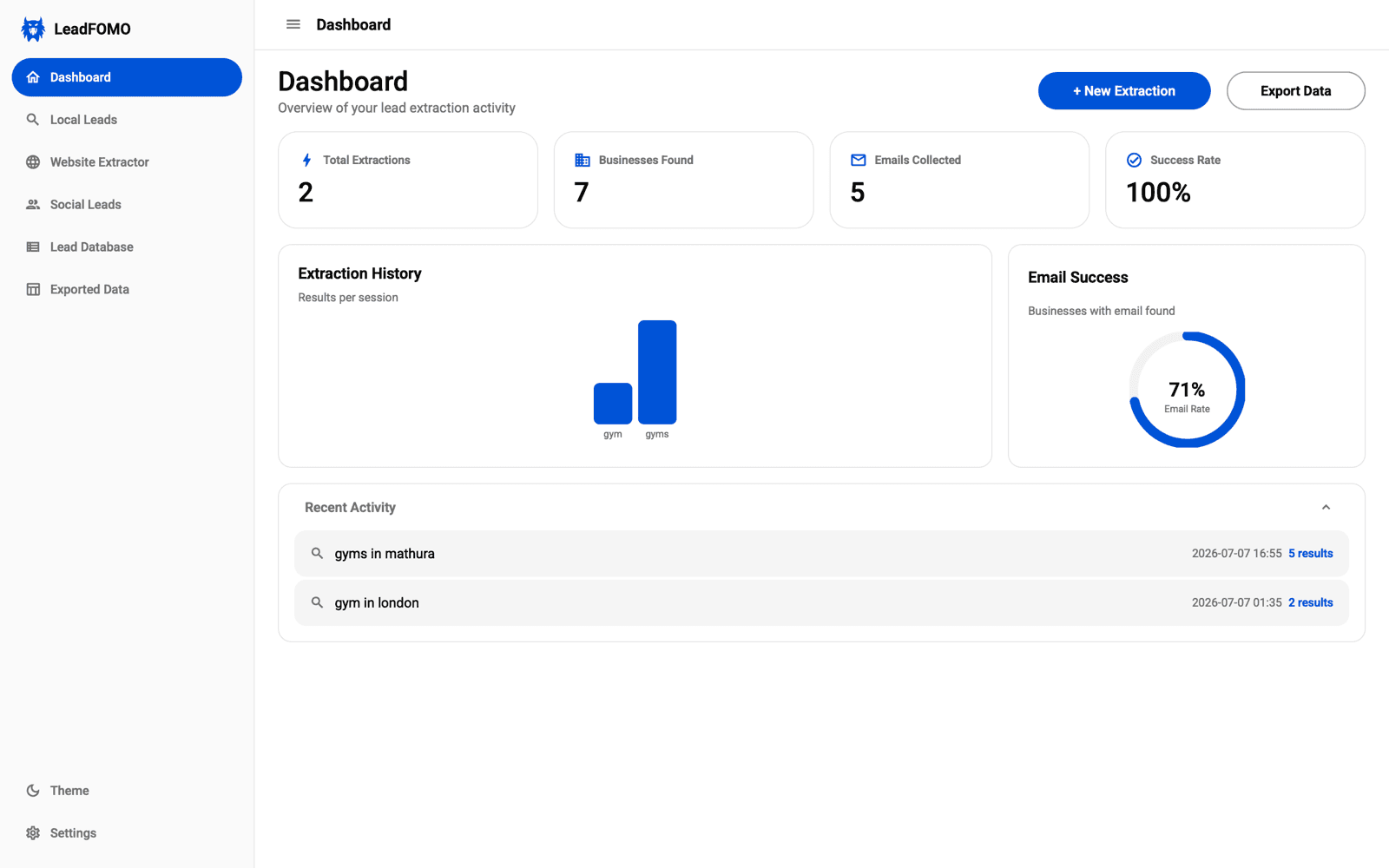
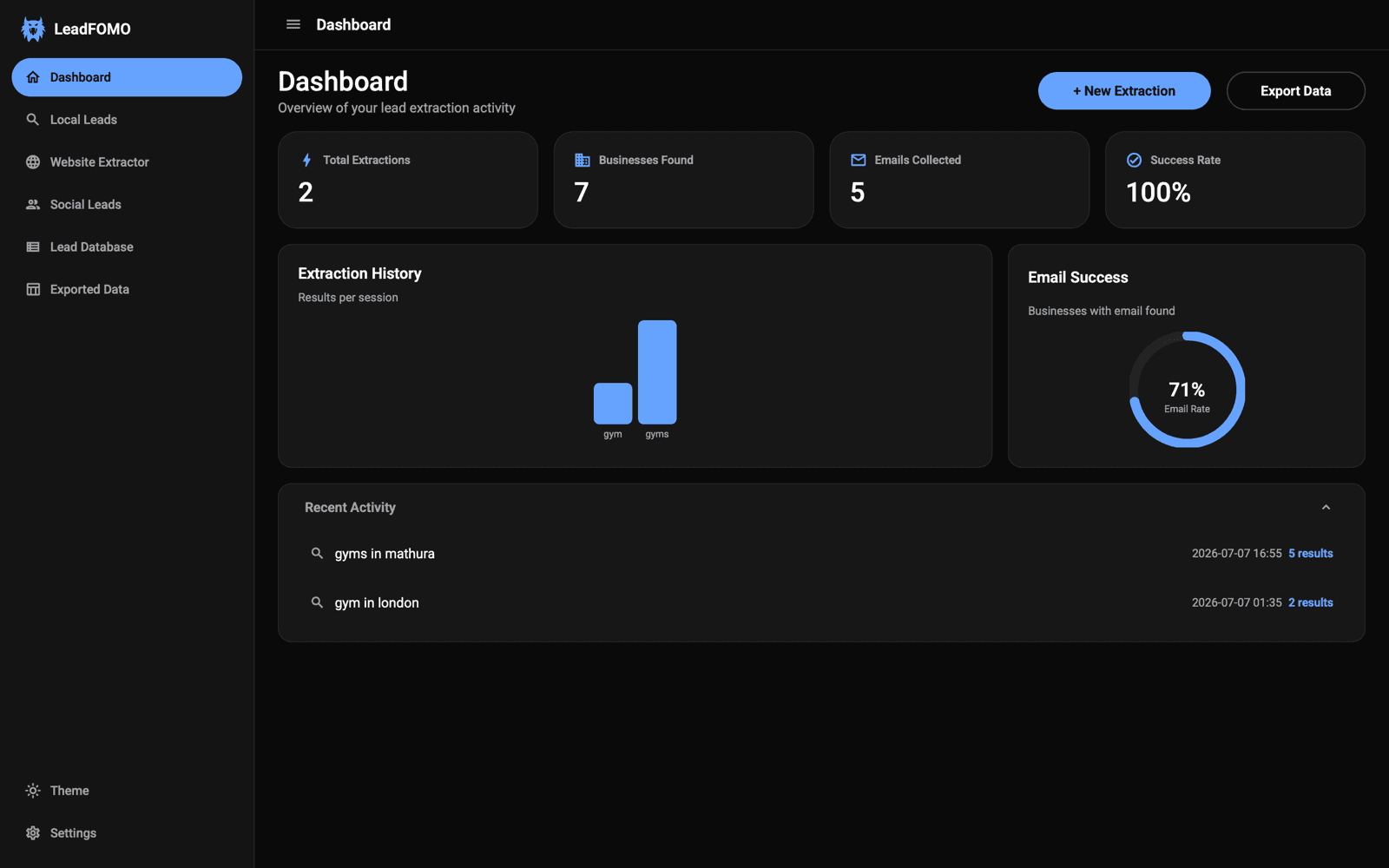
- 2Confirm the dashboard opens successfully.
- 3Keep the device clock accurate so the signed grace window can be evaluated.
Section 2
The grace window
Your plan defines how many days the license may remain verified without reaching the server. Within that window you can open the app and work with saved data. Live Maps, website, and public-profile research still requires internet. When grace lapses, paid modules pause until verification succeeds.
Quick tutorial
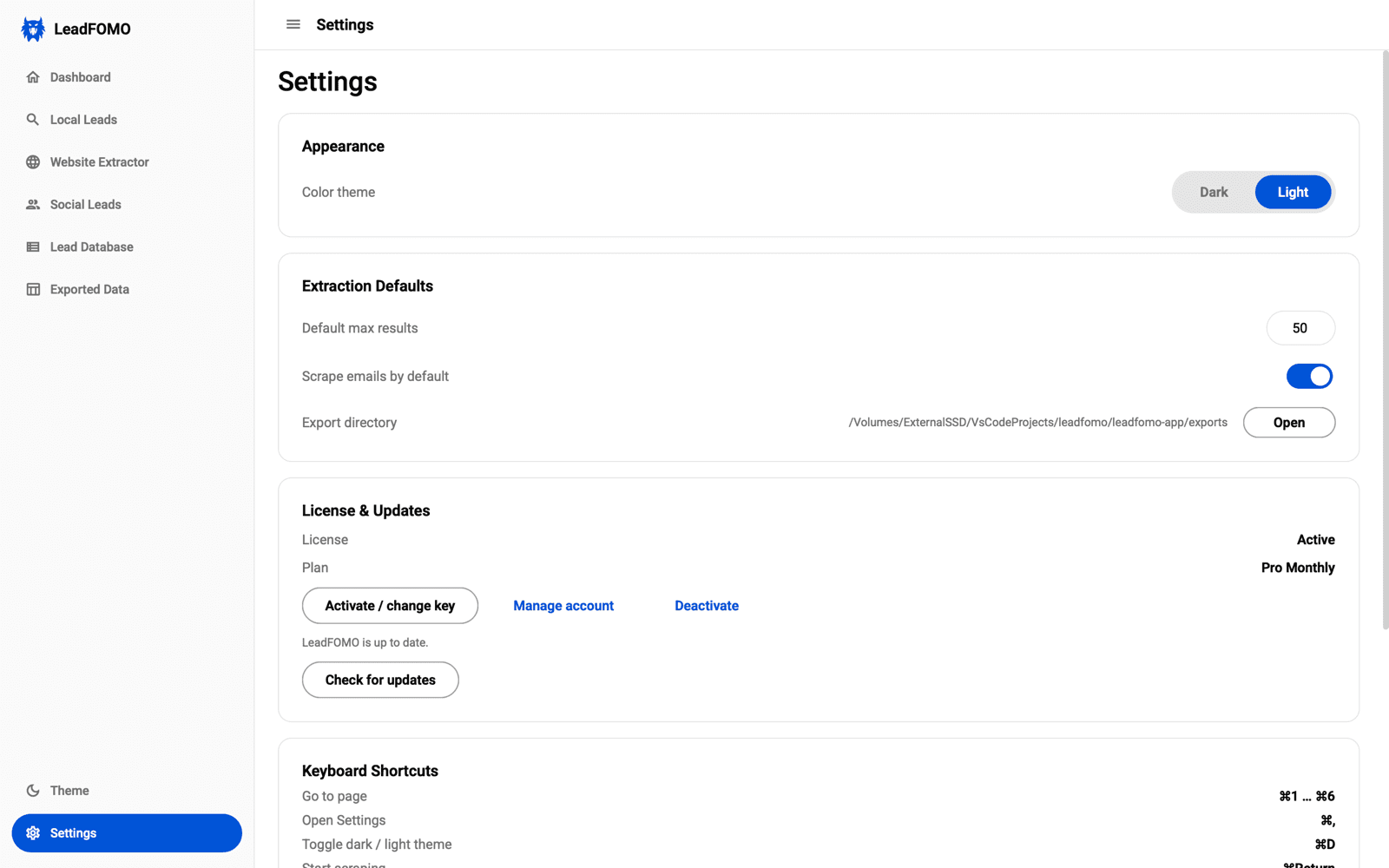
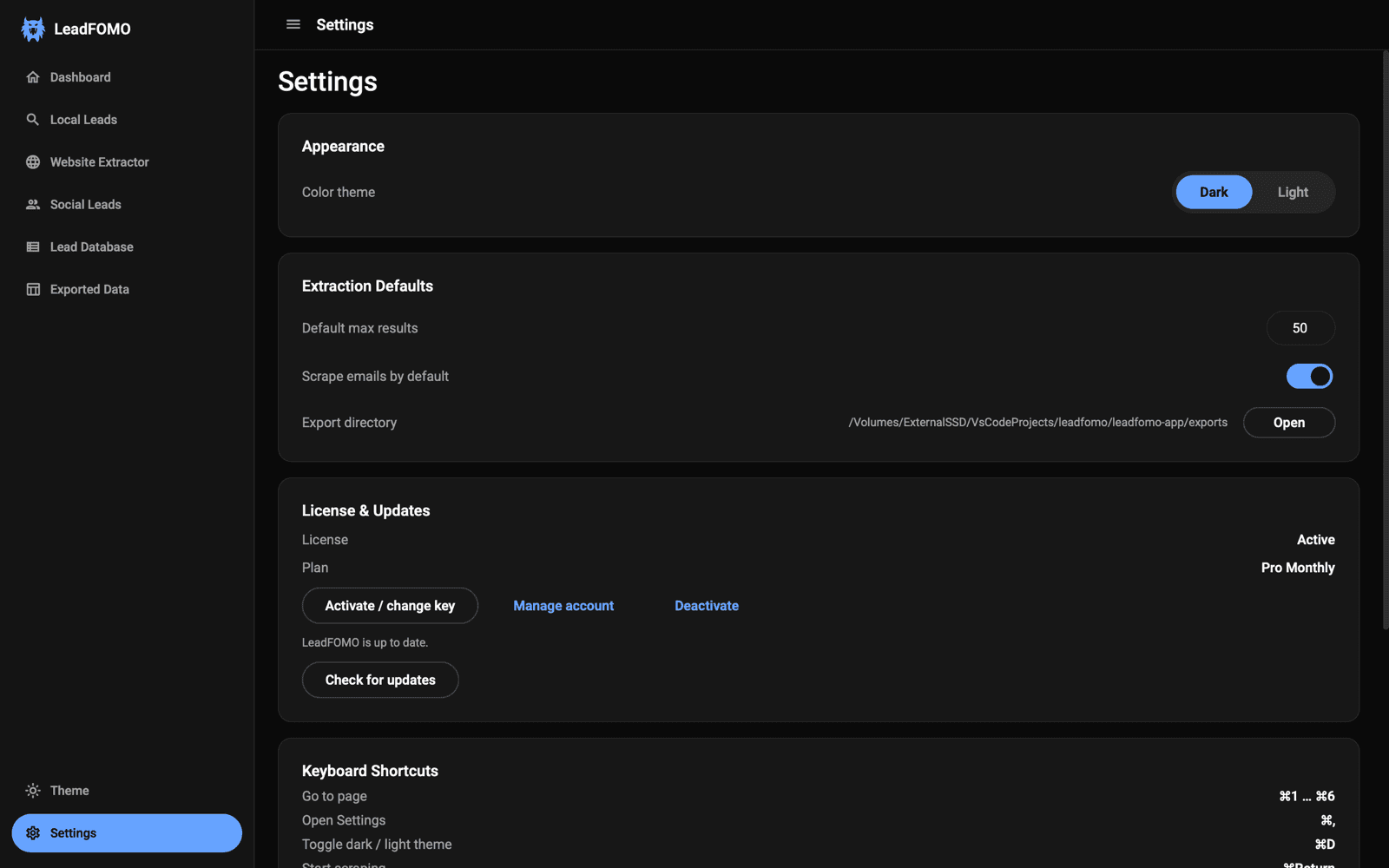
- 1Open Settings before travelling or going offline.
- 2Confirm the licence verified recently.
- 3Reconnect before the plan's offline grace period ends.
Section 3
What counts as contact
Any successful verify or heartbeat resets the clock. The app heartbeats automatically in the background while you work; you never need to trigger it manually.
Quick tutorial
- 1Leave automatic licence checks enabled.
- 2Reconnect normally—no manual heartbeat is required.
- 3If verification fails, check the network and retry.