License activation
How activation, device binding, and license states work.
Section 1
Activating
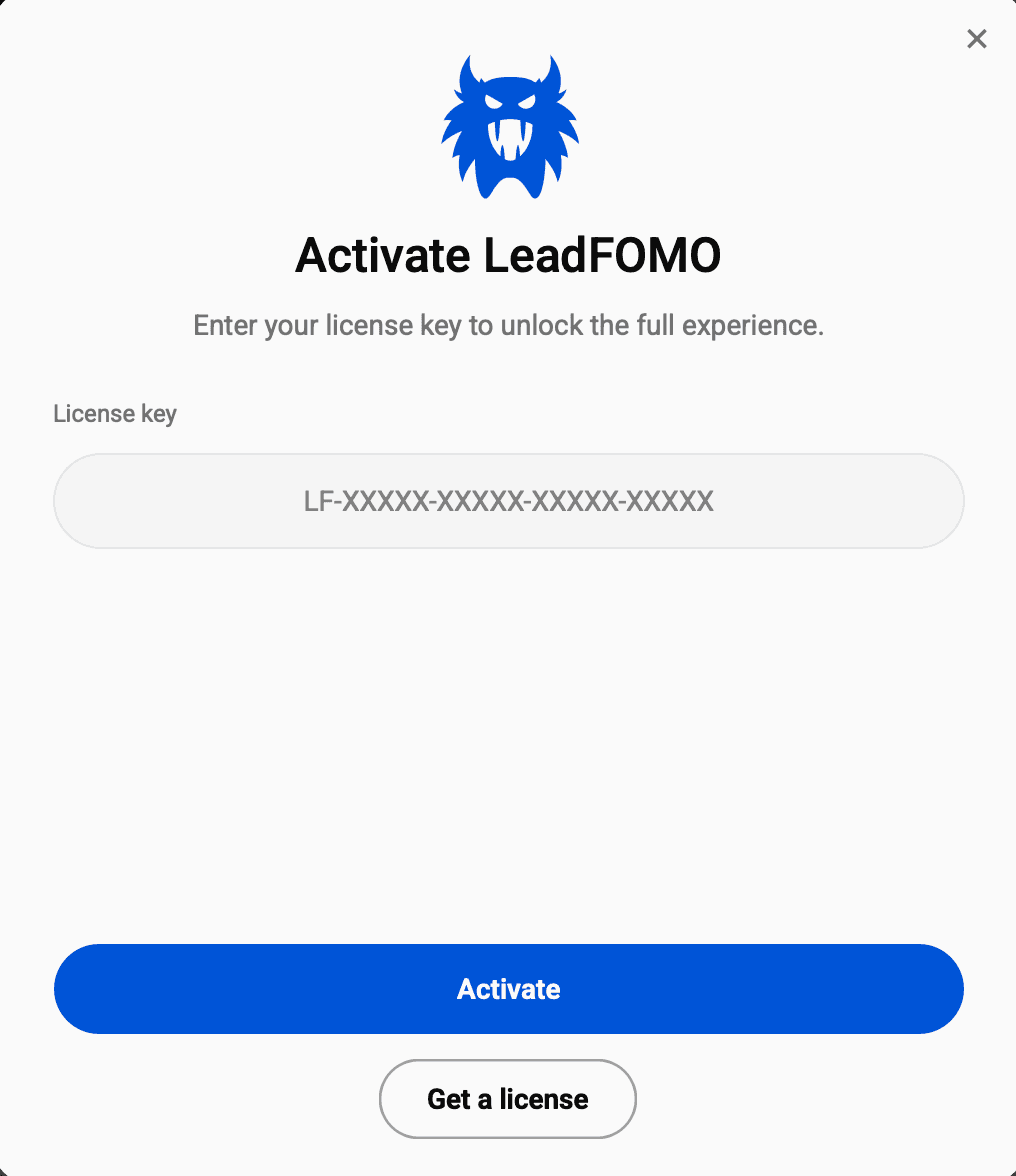
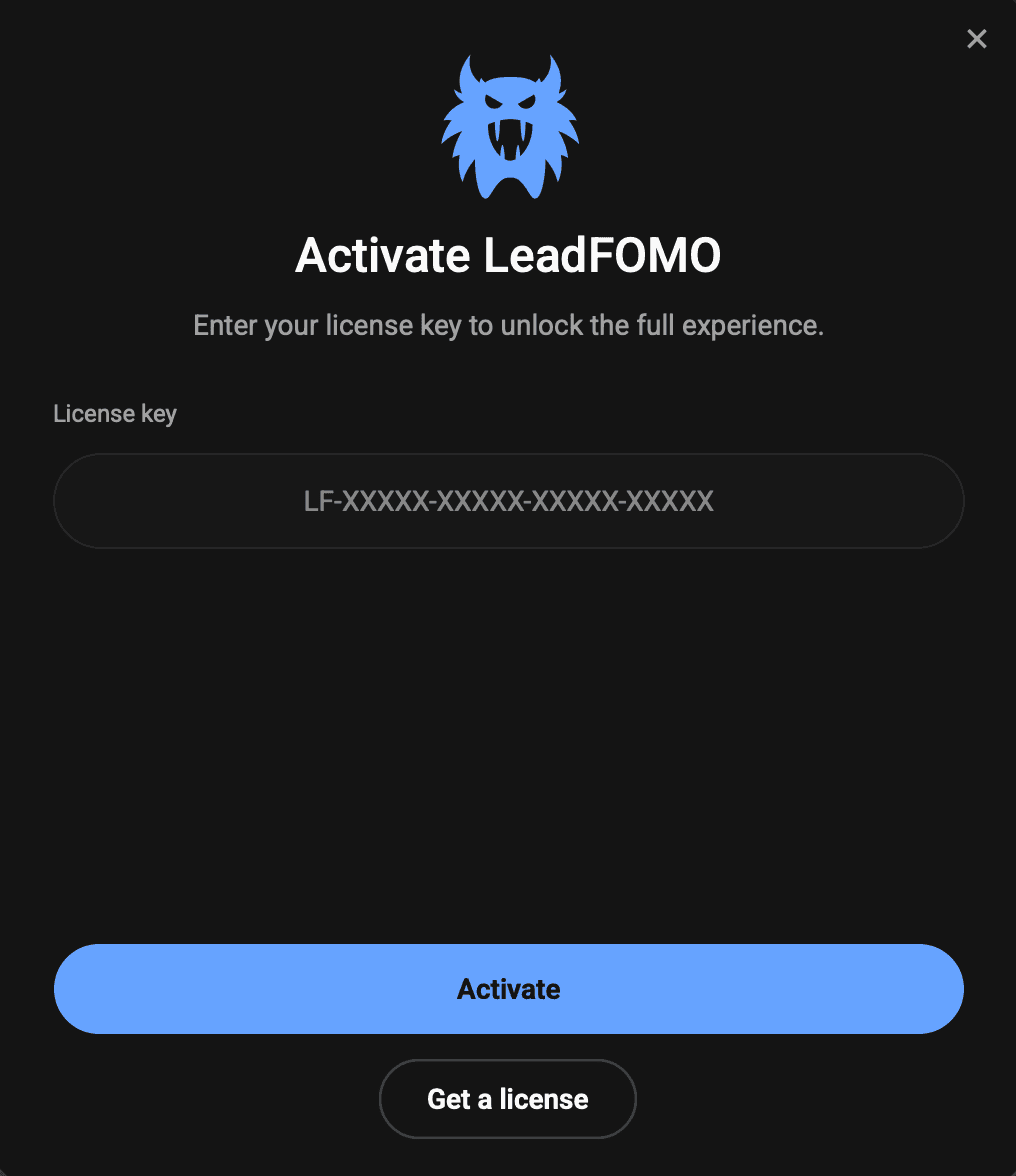
Enter your license key in the app's License dialog. The app contacts the license server, verifies your plan, and binds the license to a fingerprint of this device. The fingerprint is a one-way hash — raw hardware identifiers never leave your machine.
Quick tutorial
- 1Open Dashboard → Licences and copy the active key.
- 2Paste it into LeadFOMO and select Activate.
- 3Wait for the active-licence confirmation before continuing.
Section 2
Device limits
Each plan includes a device limit. When you hit it, activation on a new machine is refused until you release a slot from the dashboard's Devices page. Releasing a device takes effect immediately.
Quick tutorial
- 1Open Dashboard → Devices.
- 2Review computers using the licence.
- 3Release only a device you no longer use.
Section 3
License states
Active — verified recently, all plan features available.
Offline grace — licensing and saved local data remain available within the signed window; live public-source research still needs internet access.
Expired / grace ended — the app blocks premium modules until it can re-verify or you renew.
Revoked — the license was cancelled or refunded; contact support if unexpected.
Quick tutorial
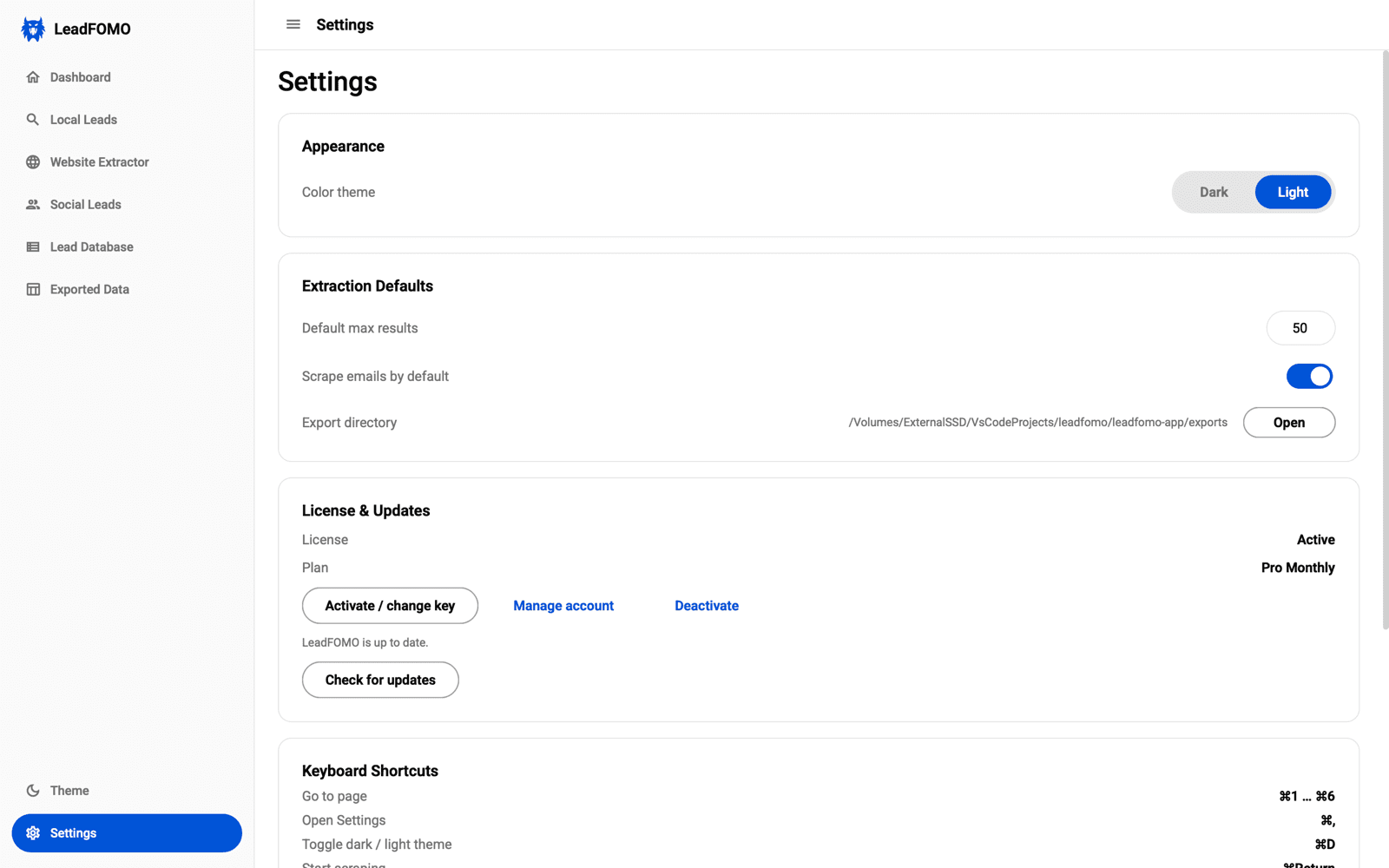
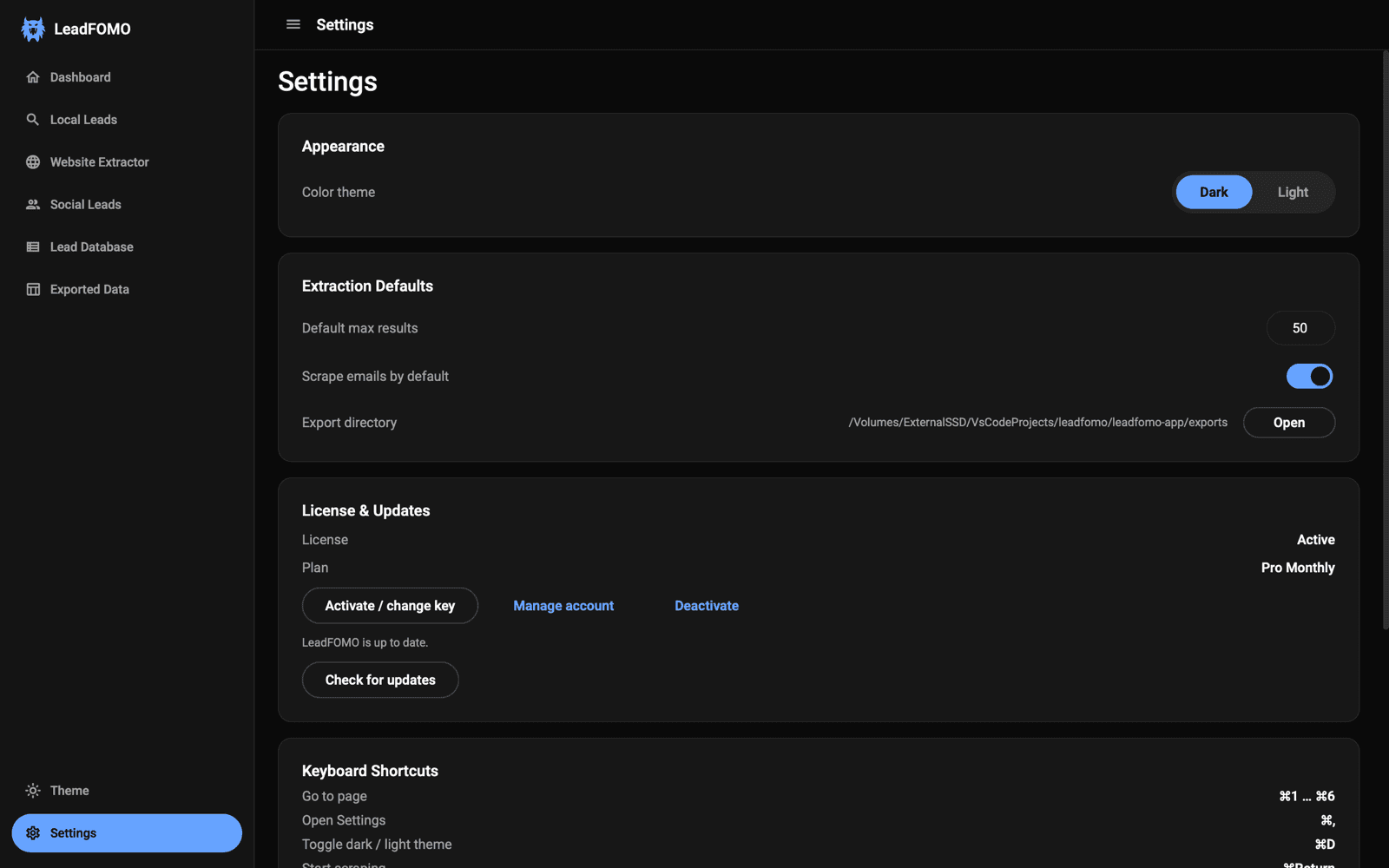
- 1Open LeadFOMO Settings.
- 2Read the current licence state and last verification.
- 3Use Check for updates if the state looks unexpected.
Section 4
Moving to a new computer
Release the old device from your dashboard, install on the new machine, and activate with the same key.
Quick tutorial
- 1Export or back up important work on the old computer.
- 2Release the old device in the web dashboard.
- 3Install and activate on the new computer with the same key.