Troubleshooting
Fixes for common activation and public-source research issues.
Section 1
"Device limit reached"
Your license is bound to its maximum number of devices. Open the dashboard's Devices page, release a device you no longer use, and activate again.
Quick tutorial
- 1Open the web dashboard's Devices page.
- 2Release a device you no longer use.
- 3Return to LeadFOMO and activate again.
Section 2
"License revoked or expired"
Check the license status on your dashboard. Expired subscriptions can be renewed from the Billing page; if a license shows revoked and you don't know why, open a support ticket.
Quick tutorial
- 1Compare the app status with Dashboard → Licences.
- 2Renew an expired plan from Billing when applicable.
- 3Contact support if a revocation is unexpected.
Section 3
Activation fails with a network error
Confirm the machine can reach the internet and that a firewall or proxy isn't blocking the app. Corporate TLS-inspection proxies can break certificate verification.
Quick tutorial
- 1Confirm normal websites open on the same computer.
- 2Temporarily disconnect a VPN only if your policy allows it.
- 3Ask your network administrator about firewall or TLS inspection blocks.
Section 4
A research query returns no results
Check the query in a browser first — narrow niches can have few results, and source pages can change. Check for an available update and include the app version in a support ticket if the issue persists.
Quick tutorial
- 1Try a broader business category and a precise city.
- 2Check the same query in a normal browser.
- 3Update LeadFOMO if the supported source recently changed.
Section 5
The managed browser will not open
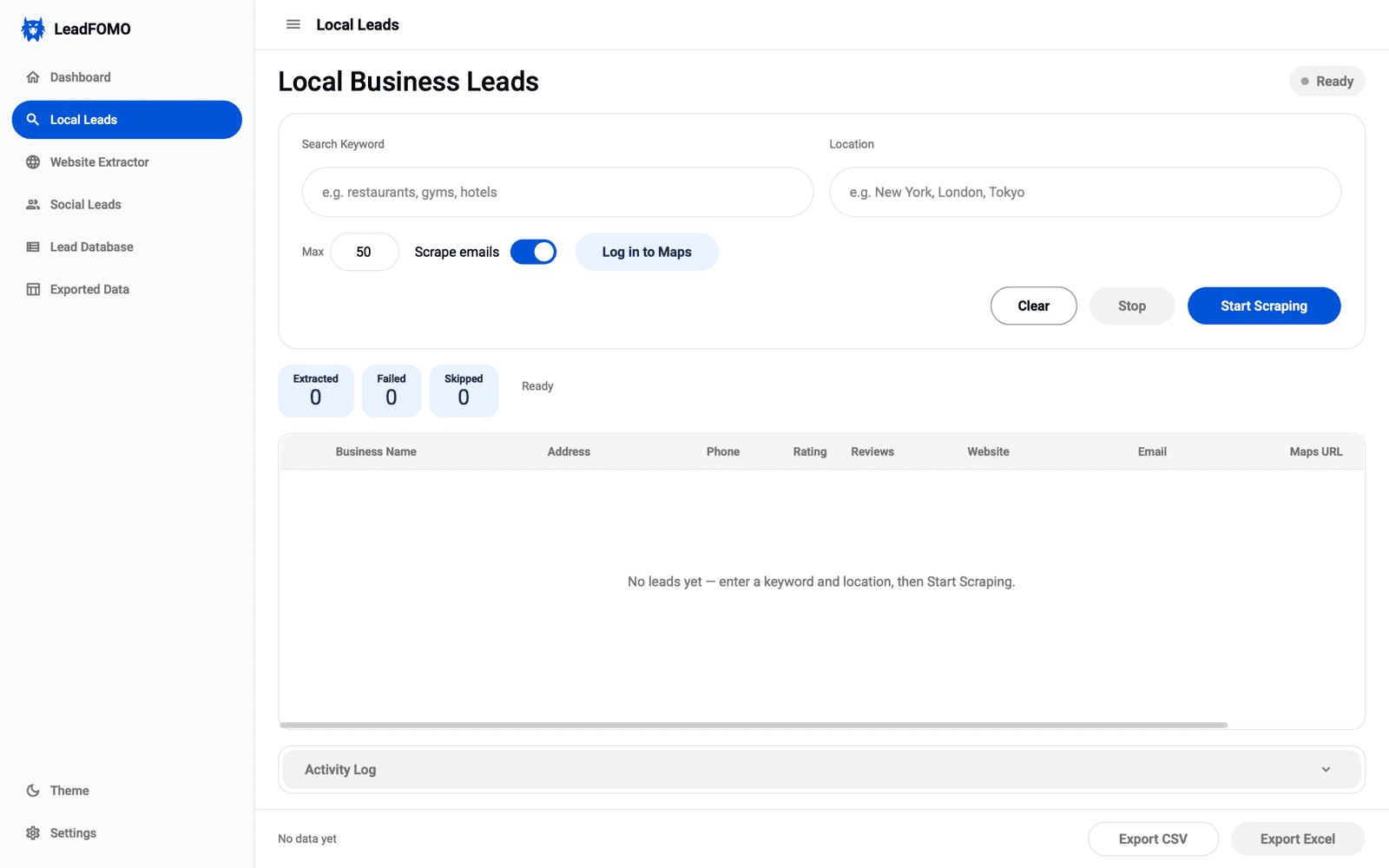
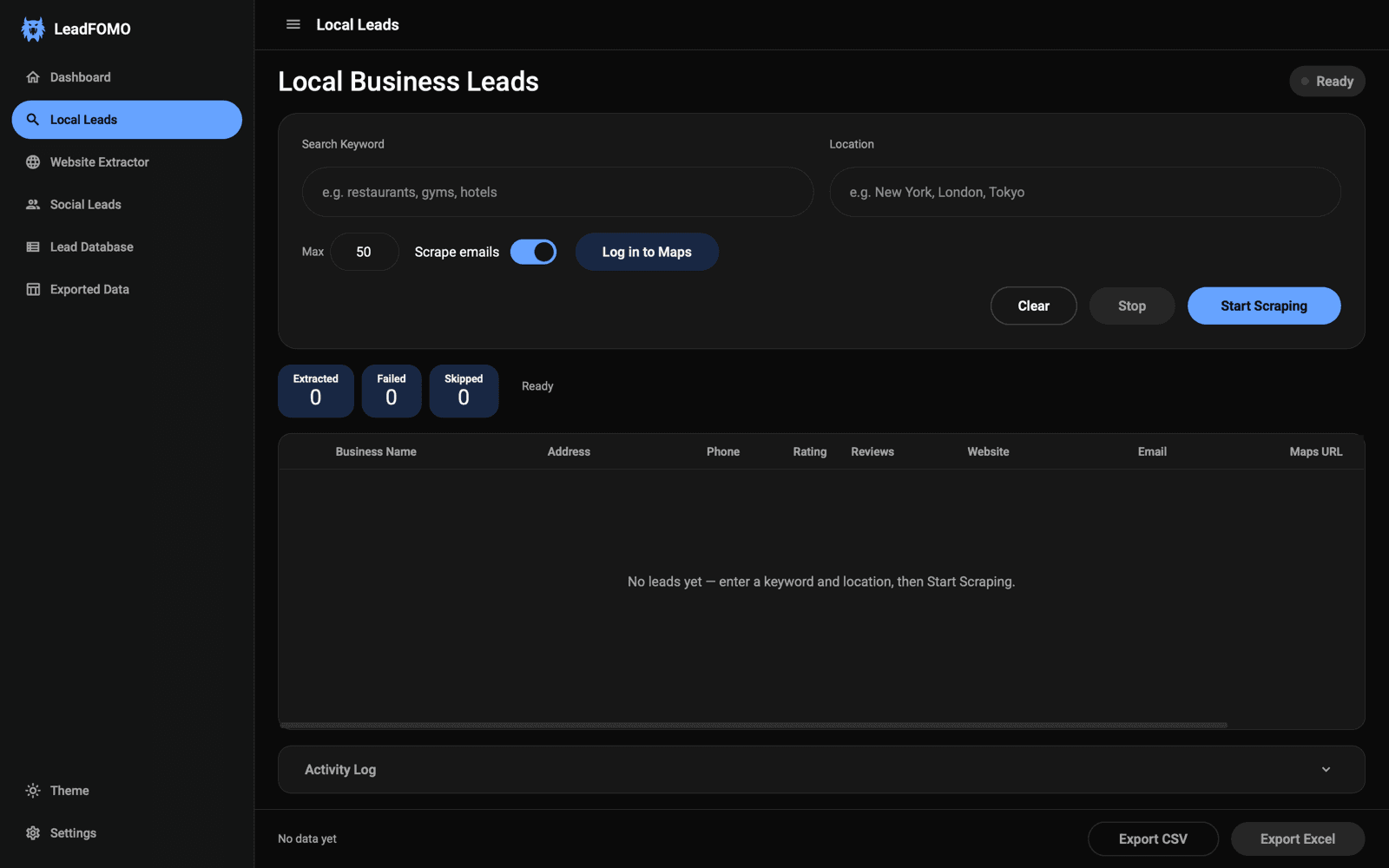
Close any stalled LeadFOMO-managed browser window, restart LeadFOMO, and retry. Production packages include their own Chromium runtime, so you do not need to install Chrome, Edge, Python, Node.js, or Playwright. Reinstall the verified official package if bundled browser files are missing.
Quick tutorial
- 1Close any stalled LeadFOMO-managed browser window.
- 2Restart LeadFOMO and retry the task.
- 3Reinstall the official package if bundled browser files are missing.
Section 6
Still stuck?
Open a support ticket from your dashboard with your license key, app version, and OS. Replies remain available in the dashboard thread.
Quick tutorial
- 1Capture the complete error message.
- 2Note your OS and LeadFOMO version.
- 3Send those details to dashboard support or WhatsApp.
Section 7
Installation help and the 7-Day Money-Back Guarantee
LeadFOMO has no free trial. Instead, every purchase is covered by a 7-Day Money-Back Guarantee that applies when the software cannot be installed or cannot be made to run on your supported computer.
Refunds are not provided for change of mind, for not using the software, or for minor bugs while the software is otherwise functional.
Quick tutorial
- 1Capture the complete error message.
- 2Note your OS and LeadFOMO version.
- 3Send those details to dashboard support or WhatsApp.
Section 8
Found a bug while the app is running?
Report it with your app version, operating system, and steps to reproduce. Our team prioritises reported bugs and most fixes are released within 2–3 business days as a free update, available from your dashboard.
Quick tutorial
- 1Capture the complete error message.
- 2Note your OS and LeadFOMO version.
- 3Send those details to dashboard support or WhatsApp.