LeadFOMO Desktop
Complete installation guide
Simple, illustrated instructions for installing, opening, and activating LeadFOMO on Windows and macOS. This guide covers the security message you may see while the installers are distributed without a paid code-signing certificate.
Download LeadFOMO only from the official website
Before You Download
LeadFOMO version 1.1.2 is currently distributed without a commercial Windows or Apple code-signing certificate. These certificates and their associated validation services involve significant recurring costs. To keep LeadFOMO available at an affordable price, the current release is unsigned.
Windows SmartScreen or macOS Gatekeeper may therefore ask you to make an extra confirmation. This is a publisher identity / code-signing warning; it is not the same thing as an antivirus alert that identifies malicious code. Do not approve every warning automatically. Proceed only after confirming the official source and matching release details below.
Choose the right computer
Windows 64-bit, Apple Silicon, or Intel Mac.
Make room
Keep at least 2 GB free and close an older LeadFOMO window.
Have your licence ready
Find it under Dashboard → Licences after purchase.
Prepare LeadFOMO before installation
- 1Confirm your computer matches the published operating-system requirements.
- 2Keep your licence key and LeadFOMO account sign-in ready.
- 3Close an older LeadFOMO window before installing a replacement version.
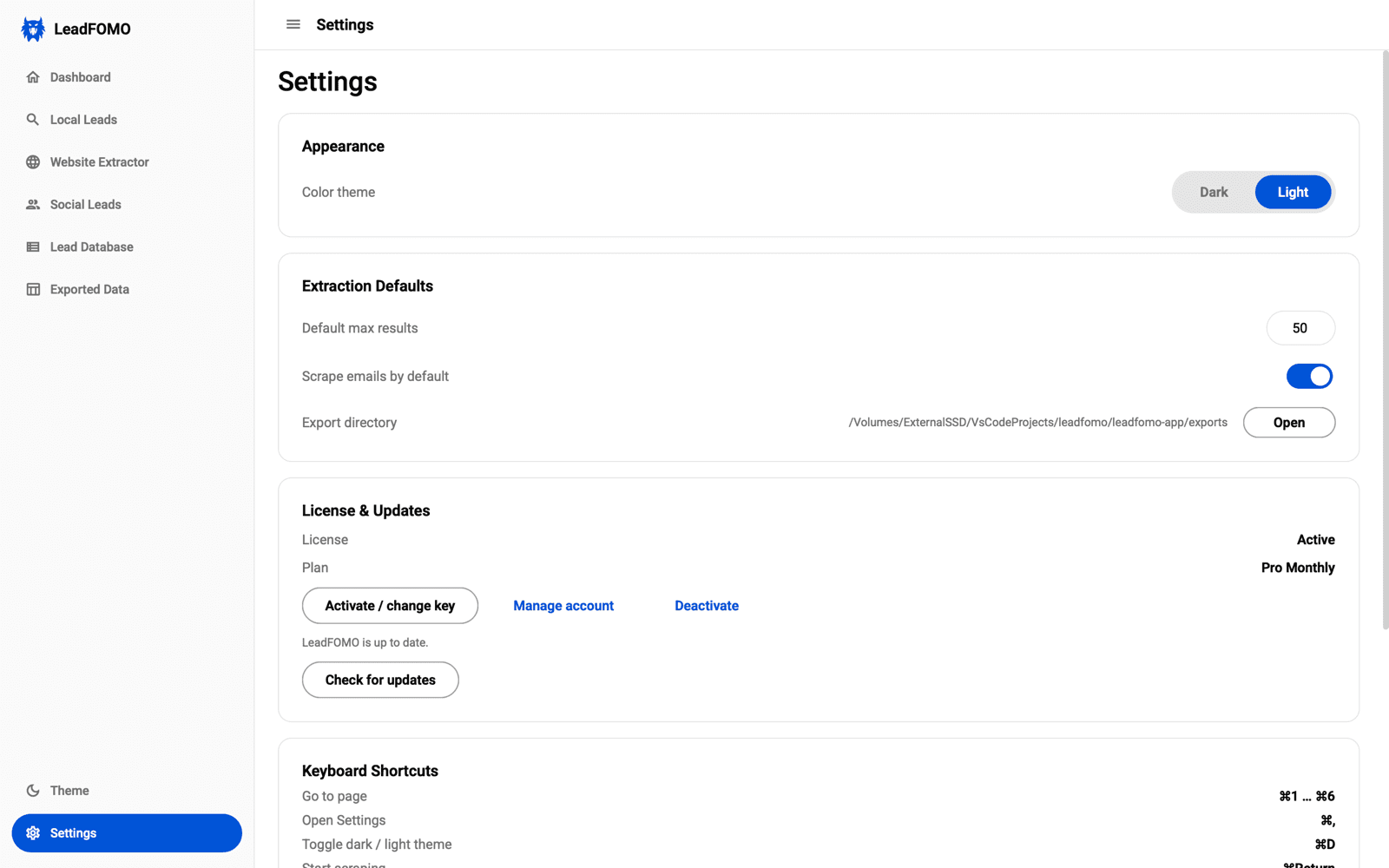
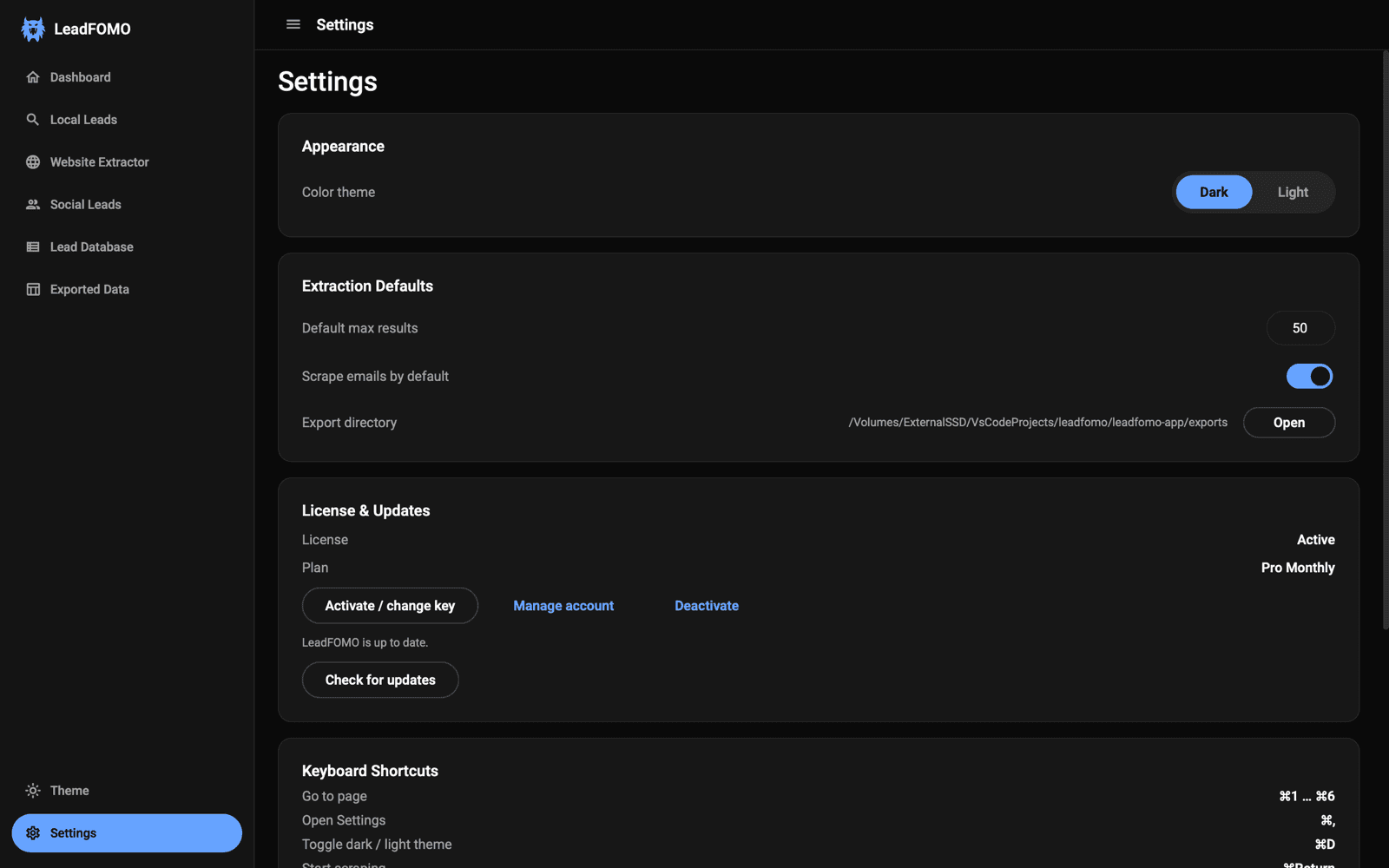
Official Download Verification
Before opening the file, compare all available details with the release information on your Downloads page. A valid checksum match is especially useful because changing even one byte produces a different SHA-256 value.
- Current app version
- 1.1.2
- Release date
- Published with release
- Windows installer
- LeadFOMO-Setup-1.1.2-Windows-x64.exe
- Windows download link
- /dashboard/downloads
- Windows file size
- Published with release
- Windows SHA-256
- Published with release
- macOS installer
- LeadFOMO-1.1.2-macOS.dmg
- macOS download link
- /dashboard/downloads
- macOS file size
- Published with release
- macOS SHA-256
- Published with release
- Supported operating systems
- Windows 10/11 (64-bit); supported macOS versions listed on Downloads
- System requirements
- 64-bit computer, internet connection for activation and live research, 4 GB RAM minimum, and 2 GB free disk space
- Documentation updated
- July 26, 2026
Verify the official release
- 1Sign in by typing leadfomo.com yourself.
- 2Open Dashboard → Downloads and compare every published file detail.
- 3Continue only when the filename, version, size, architecture, and SHA-256 match.
- 1
Check the website address
The browser address must use HTTPS and end in leadfomo.com. Sign in yourself; do not use a forwarded direct-download link. - 2
Match the file
Confirm the filename, version, operating system, architecture, file size, and release date. Stop if anything differs unexpectedly. - 3
Compare SHA-256 when published
Windows: open PowerShell, typeGet-FileHash, add a space, drag the installer into the window, and press Enter. macOS: open Terminal, typeshasum -a 256, add a space, drag the DMG into Terminal, and press Return. The full result must match character-for-character.
Stop when the warning is specific
Windows 10 and Windows 11 · 64-bit
Windows Installation Guide
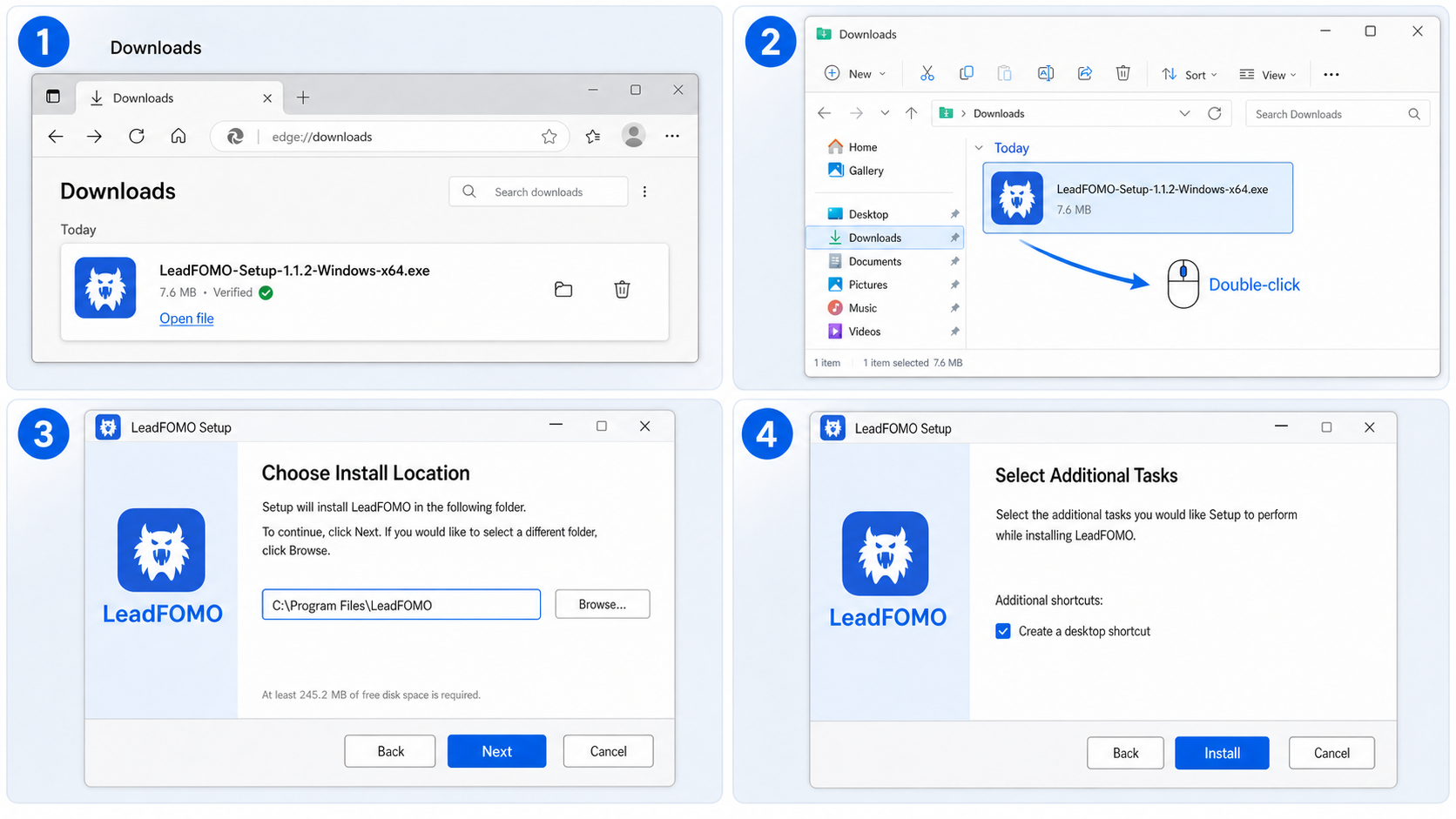
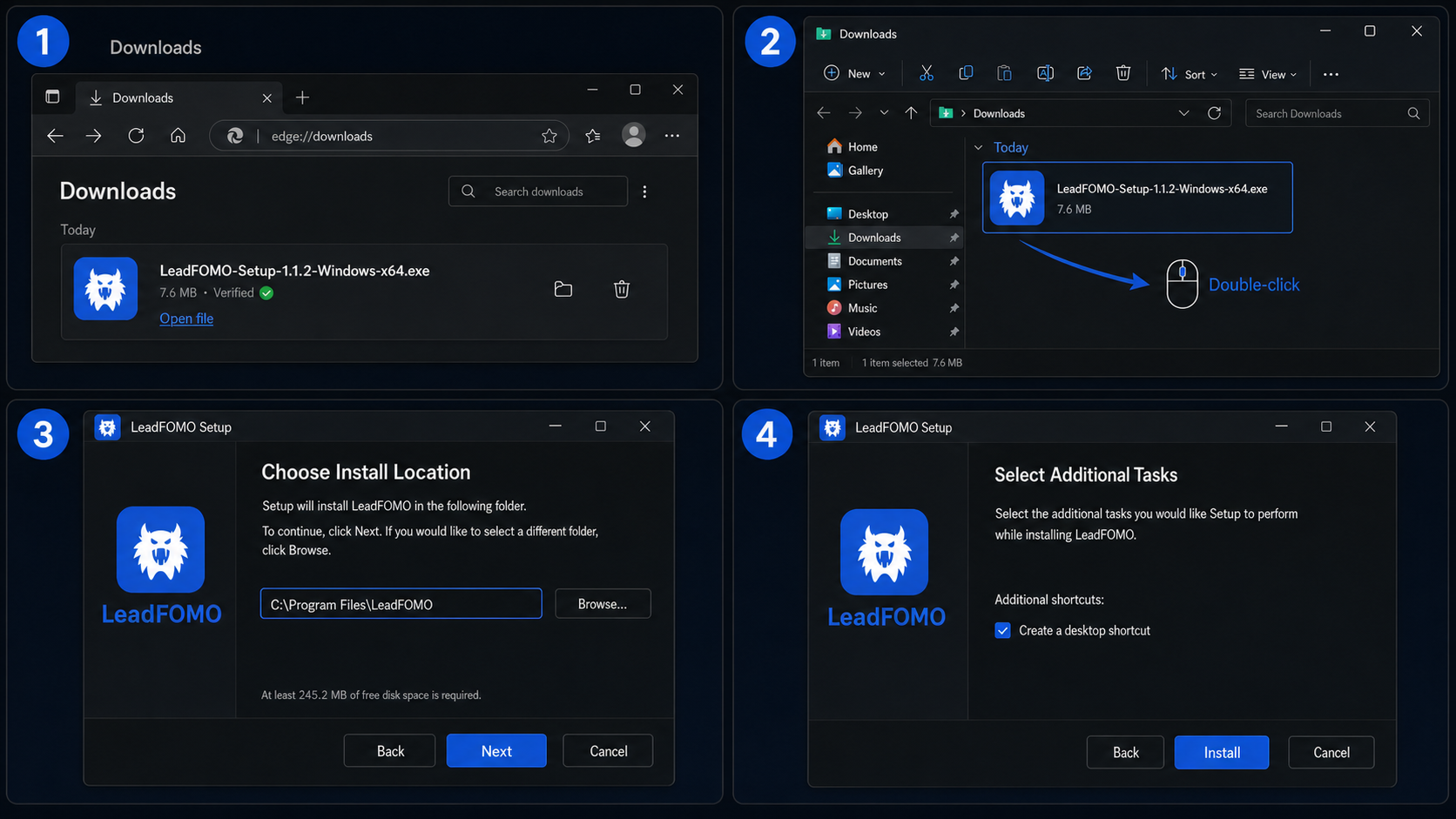
- 1
Download from your LeadFOMO account
Sign in at leadfomo.com, open Dashboard → Downloads, select Windows, and saveLeadFOMO-Setup-1.1.2-Windows-x64.exe. If your browser asks Keep or Discard, choose Keep only after the release details match. - 2
Open the installer
Open your browser's Downloads list or File Explorer → Downloads. Verify the filename once more, then double-click it. Select Yes if Windows User Account Control asks whether Setup may make changes.
Microsoft Defender SmartScreen
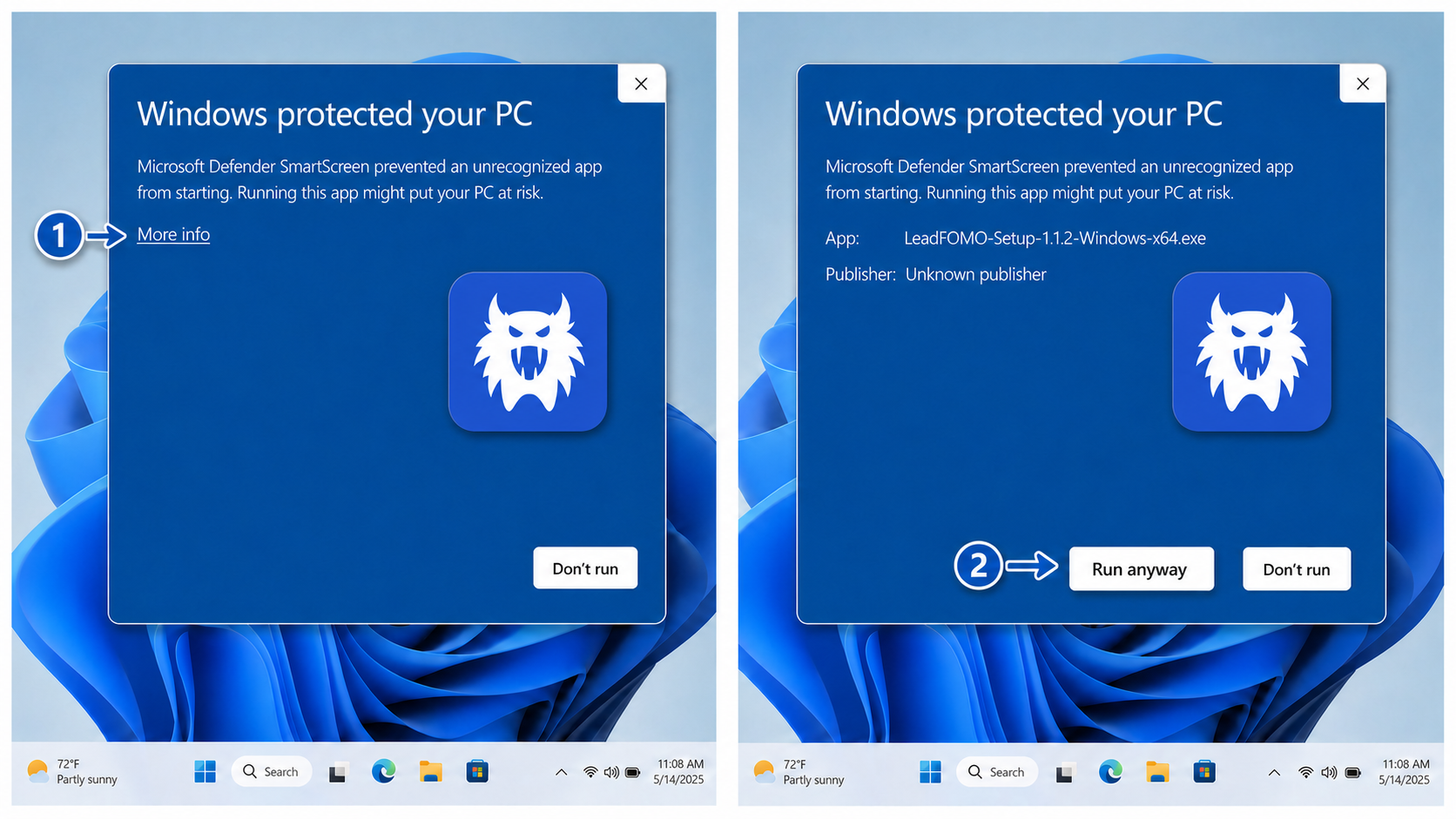
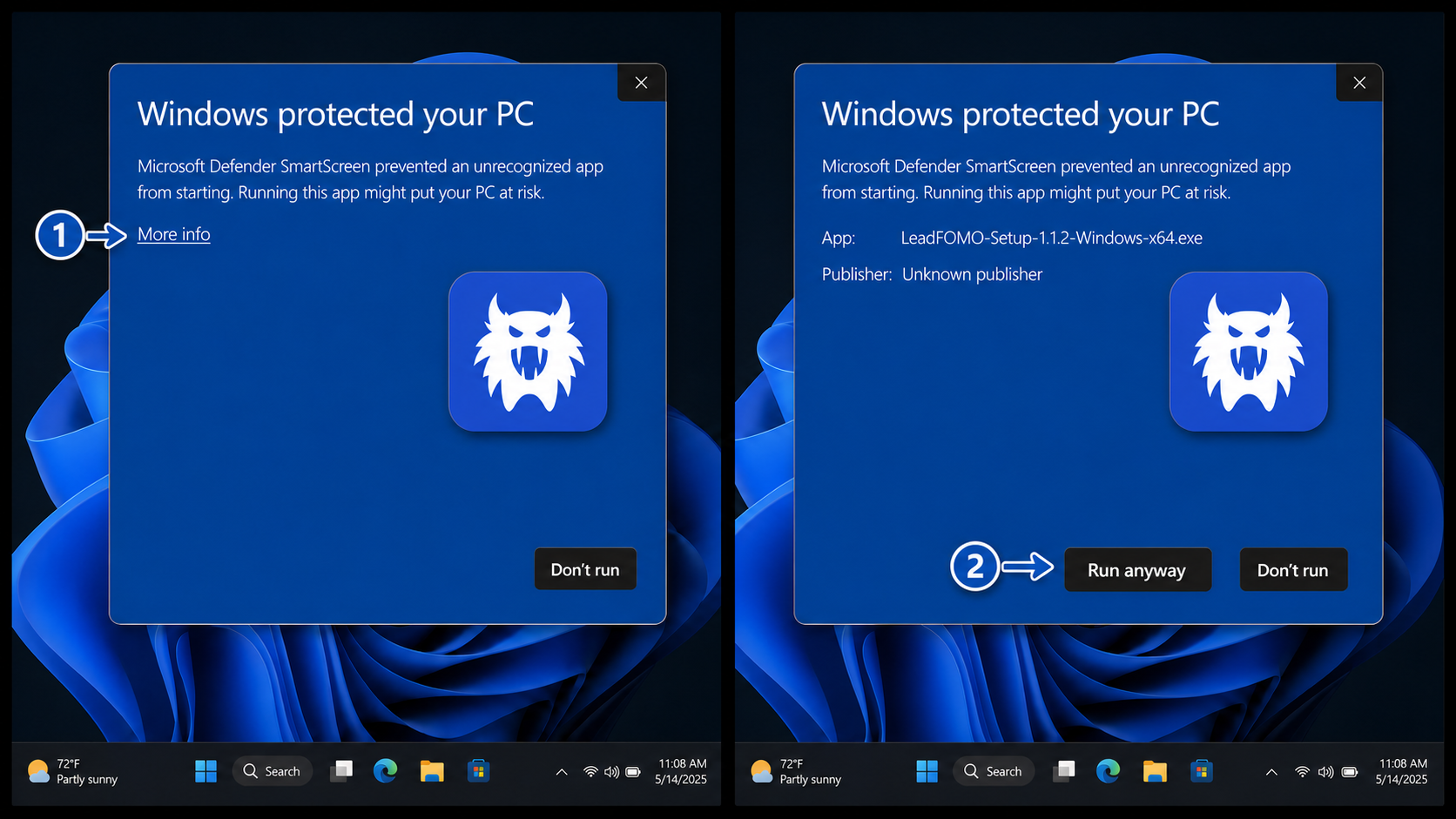
- 3
Read the SmartScreen message
If you see Windows protected your PC, click More info. This reveals the app filename and the Run anyway button. - 4
Continue only after verification
Confirm the app isLeadFOMO-Setup-1.1.2-Windows-x64.exeand that your download came from the official account page. Then click Run anyway. If a named malware detection appears instead, stop and contact support.
Complete the setup wizard
- 5
Review the destination
Keep the recommended C:\Program Files\LeadFOMO location. Choose Browse only if you need another local drive and have permission to install there. Click Next. - 6
Choose shortcuts
A Start menu shortcut is created automatically. Select Create a desktop shortcut if you want one, then click Next and Install. - 7
Launch LeadFOMO
Keep Launch LeadFOMO selected and click Finish. You can later open the app from Start, Search, or the optional desktop shortcut.
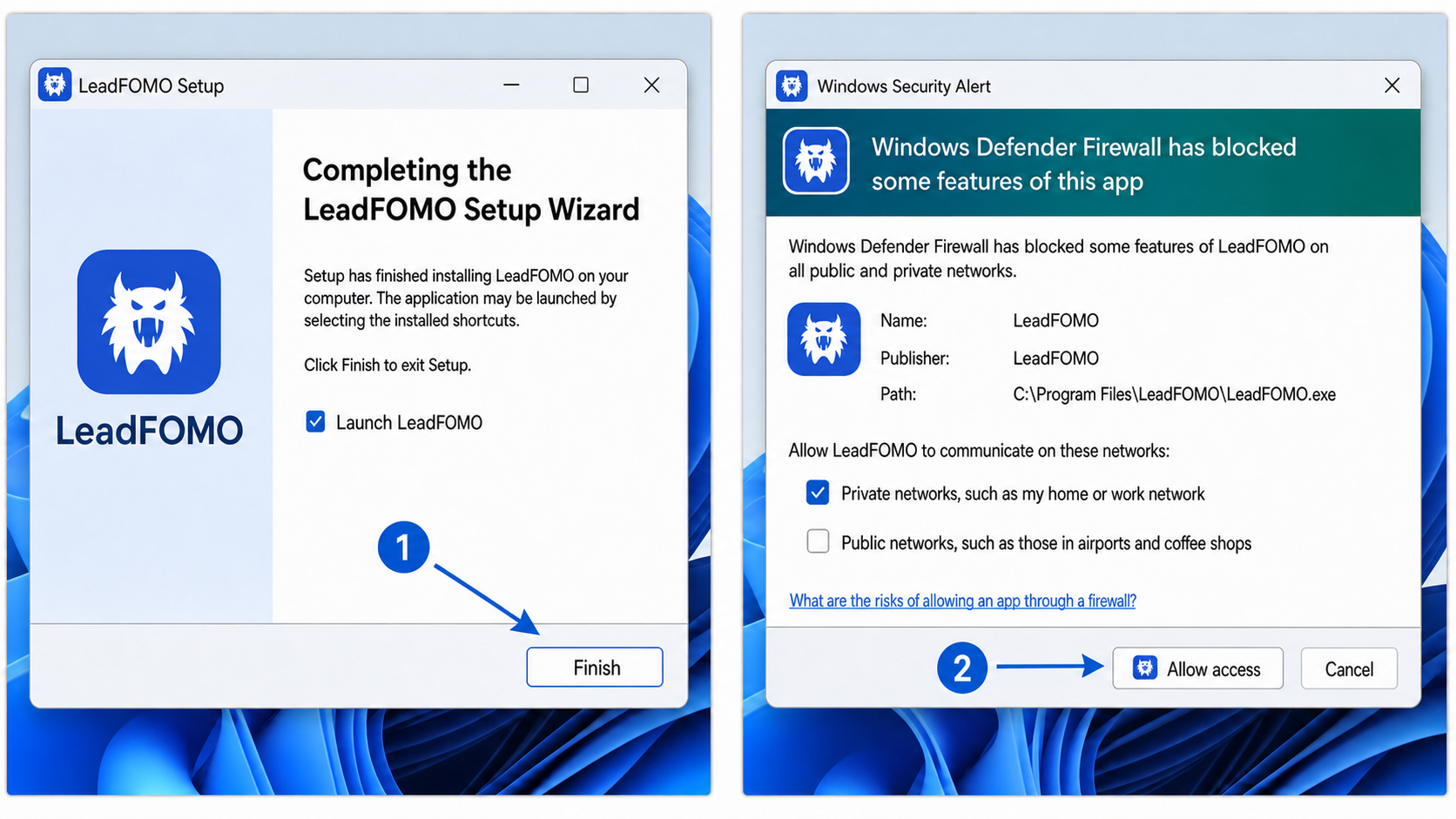
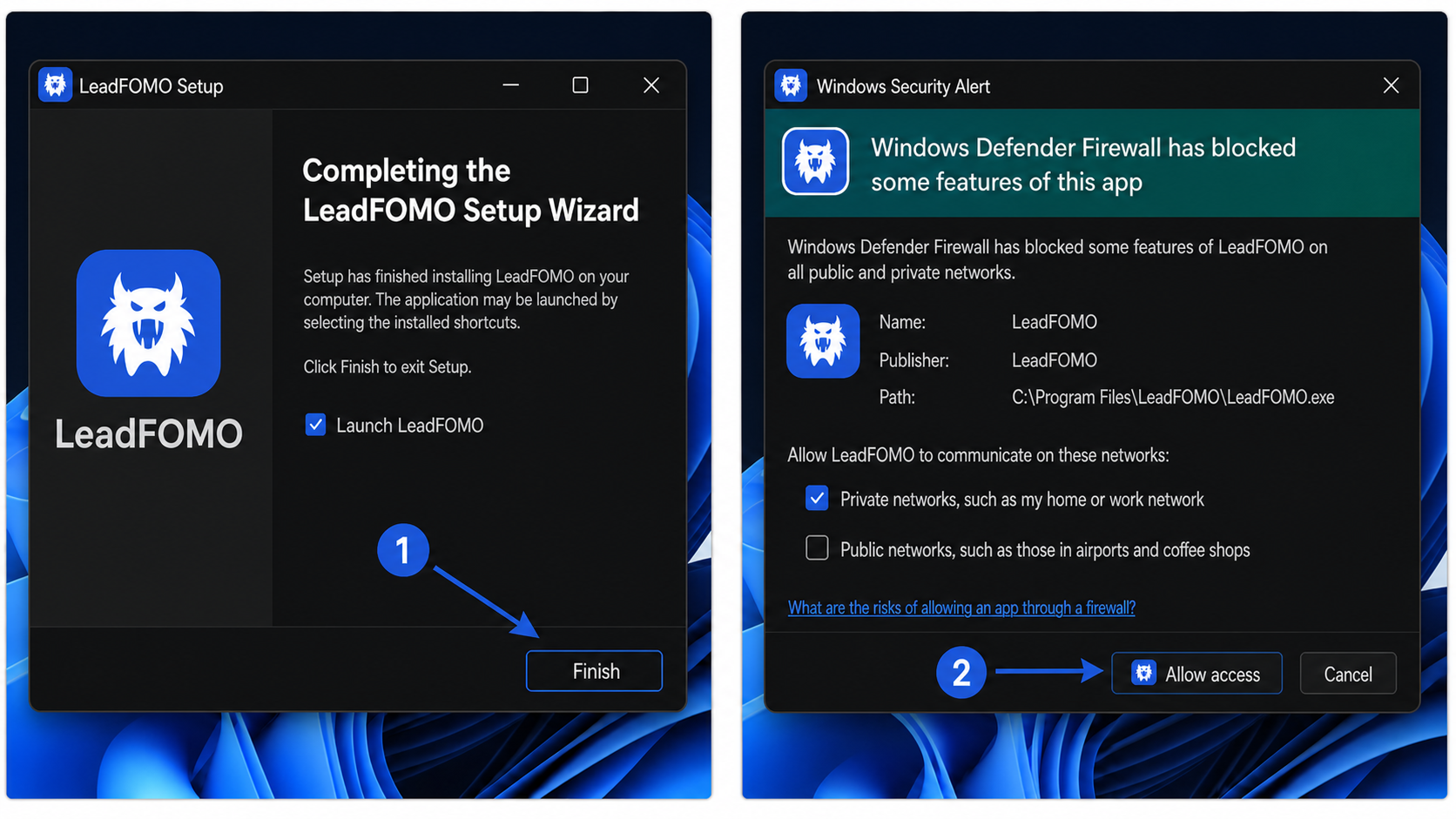
Allow only required permissions
Windows 10 and Windows 11 differences
Apple Silicon and Intel Macs
macOS Installation Guide
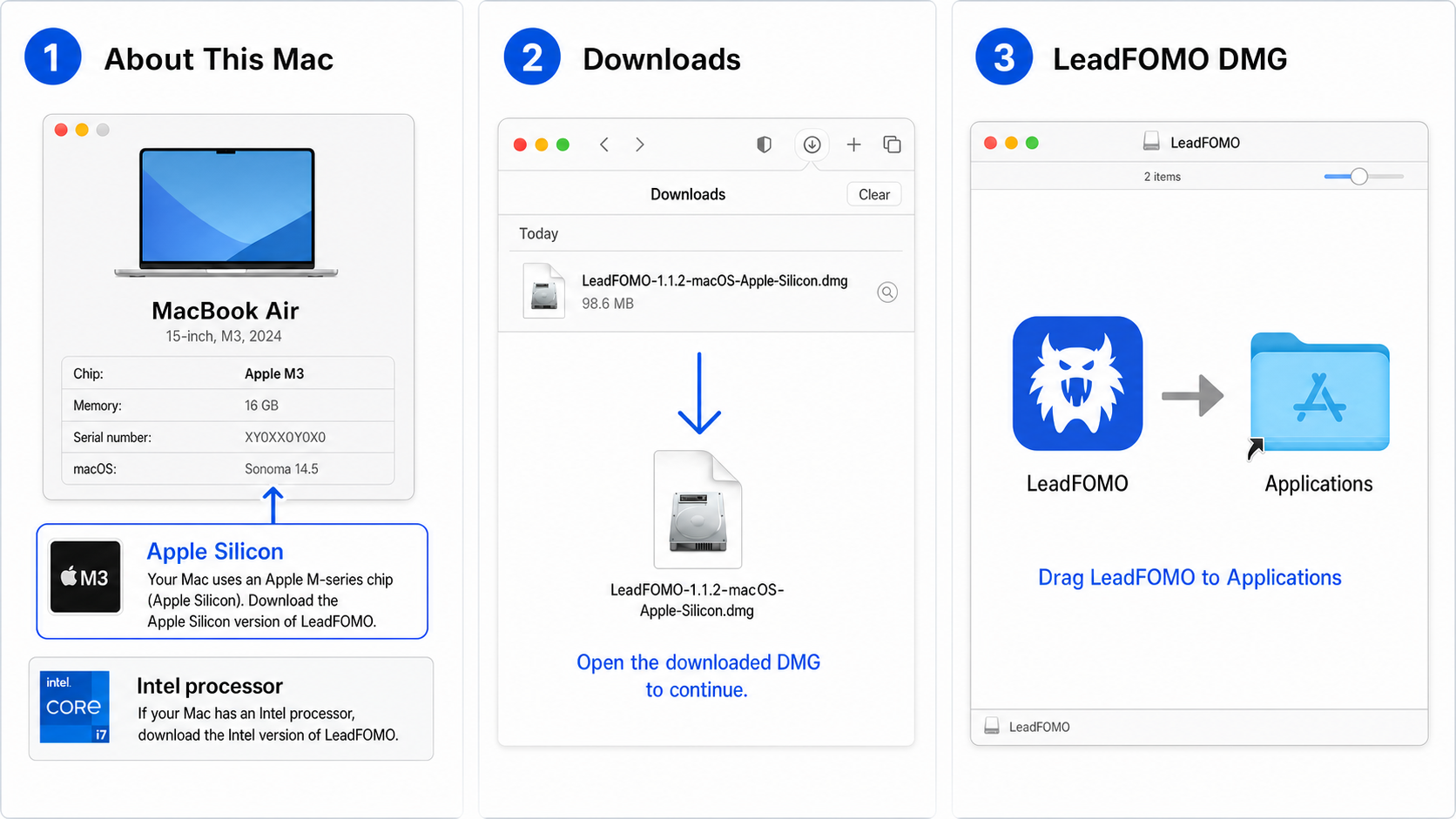
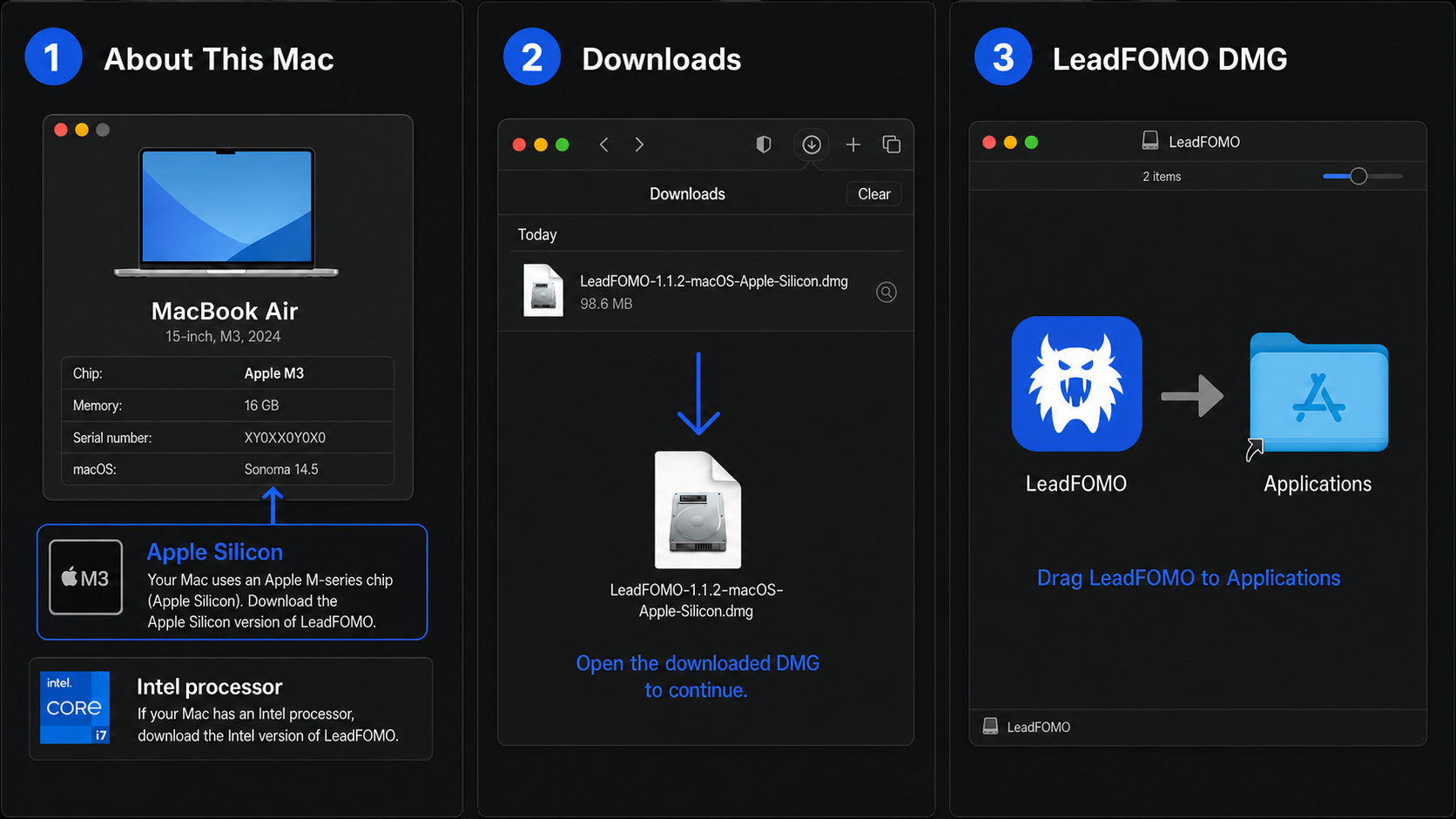
Download the package labelled for your Mac. Apple Silicon includes M1, M2, M3, M4, and newer Apple chips. Intel Macs show an Intel processor in About This Mac. Do not assume one package works on both unless the Downloads page specifically says Universal.
- 1
Identify your Mac
Choose Apple menu → About This Mac. Download Apple Silicon (arm64) for an Apple M-series chip, Intel (x64) for an Intel processor, or Universal when that is the published option. - 2
Download the macOS package
Sign in at leadfomo.com, open Dashboard → Downloads, select the correct Mac package, and saveLeadFOMO-1.1.2-macOS.dmg. Safari normally saves it in Downloads.
- 3
Open the DMG
Double-click the DMG in Downloads. If Safari opened it automatically, continue with the window that appears. - 4
Copy LeadFOMO to Applications
Drag LeadFOMO onto the Applications folder. Wait for copying to complete. Eject the LeadFOMO disk image from Finder, then open Applications and double-click LeadFOMO.
If Gatekeeper prevents the first launch
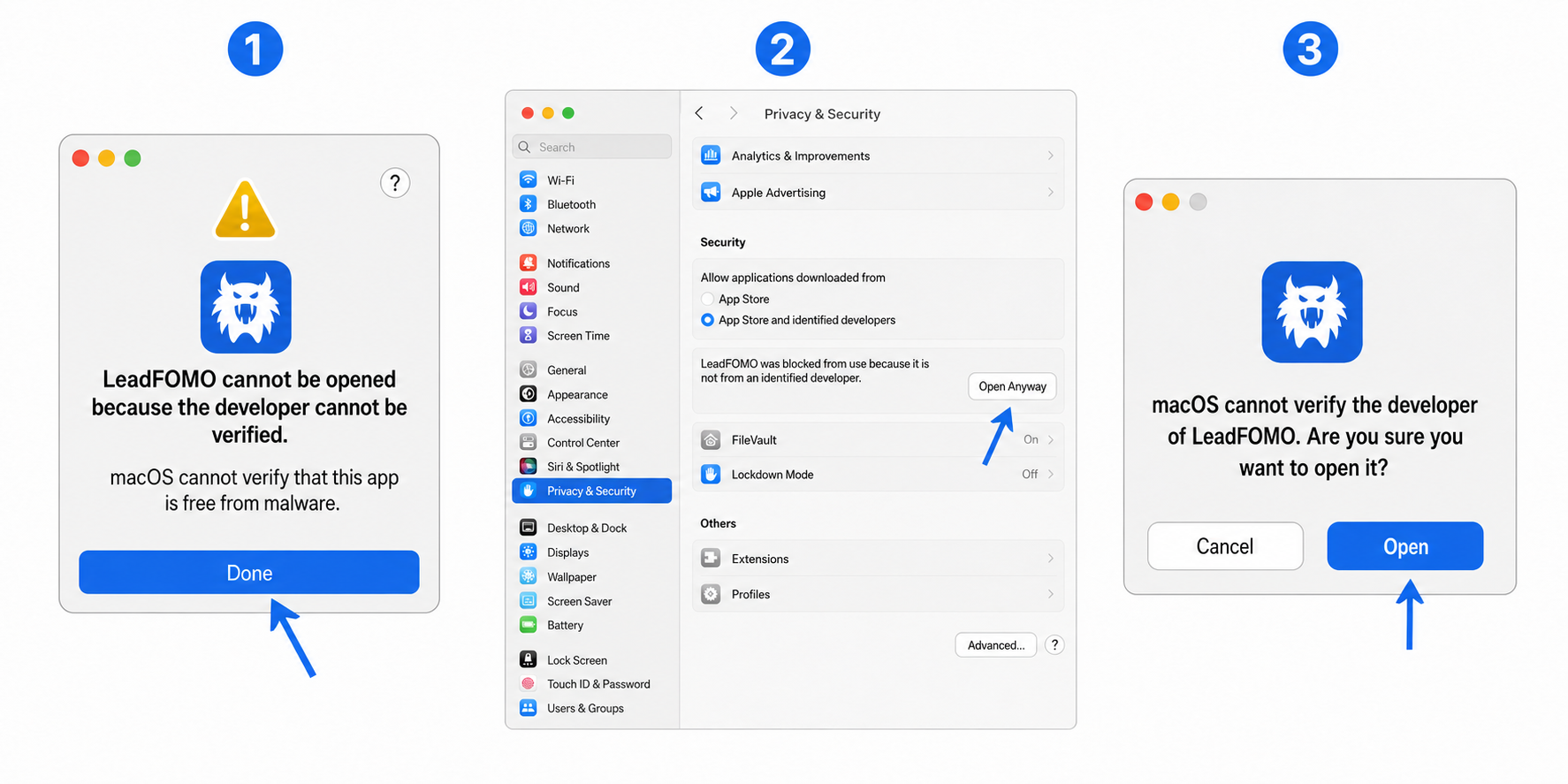
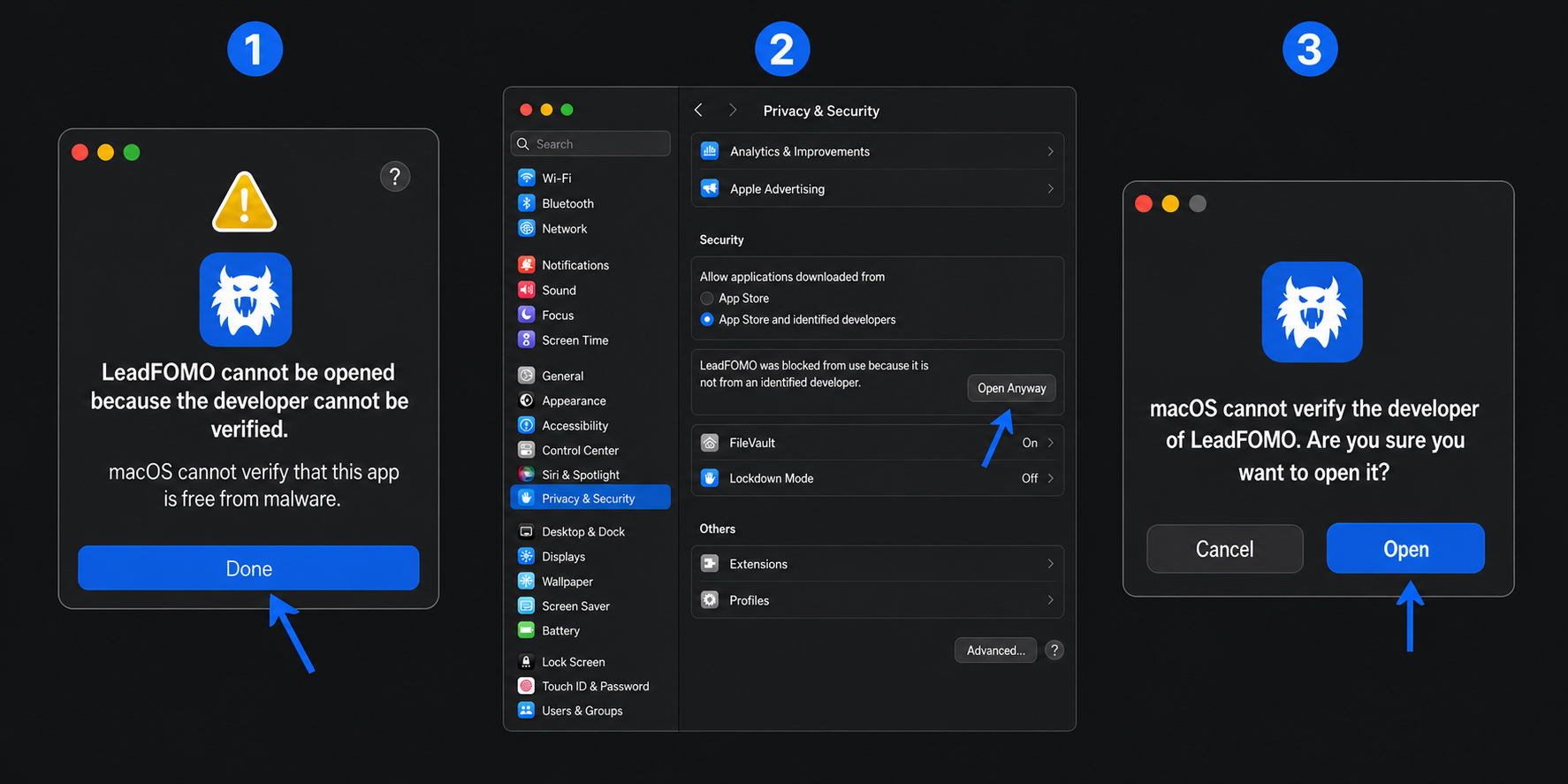
- 5
Close the first warning
You may see “Apple cannot check it for malicious software,” “developer cannot be verified,” or similar wording. Click Done or Cancel. Do not proceed if macOS reports the app is damaged or a checksum differs. - 6
Open Privacy & Security
Choose Apple menu → System Settings → Privacy & Security. On older macOS versions, choose System Preferences → Security & Privacy → General. - 7
Select Open Anyway
Scroll to Security. Beside the message that LeadFOMO was blocked, click Open Anyway. Use Touch ID or enter your Mac login password if requested. Confirm Open in the final prompt.
Alternative: Control-click and Open
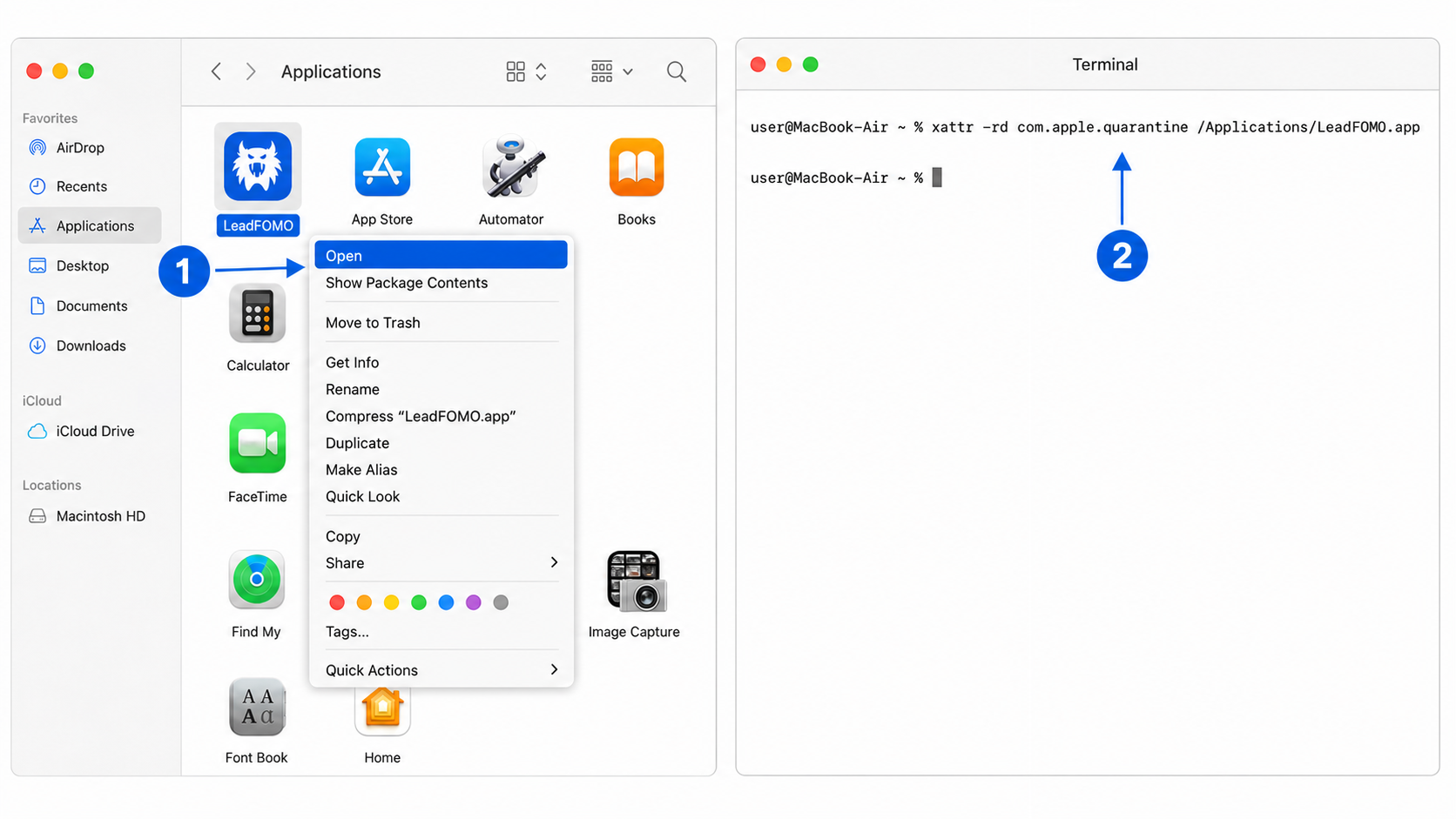
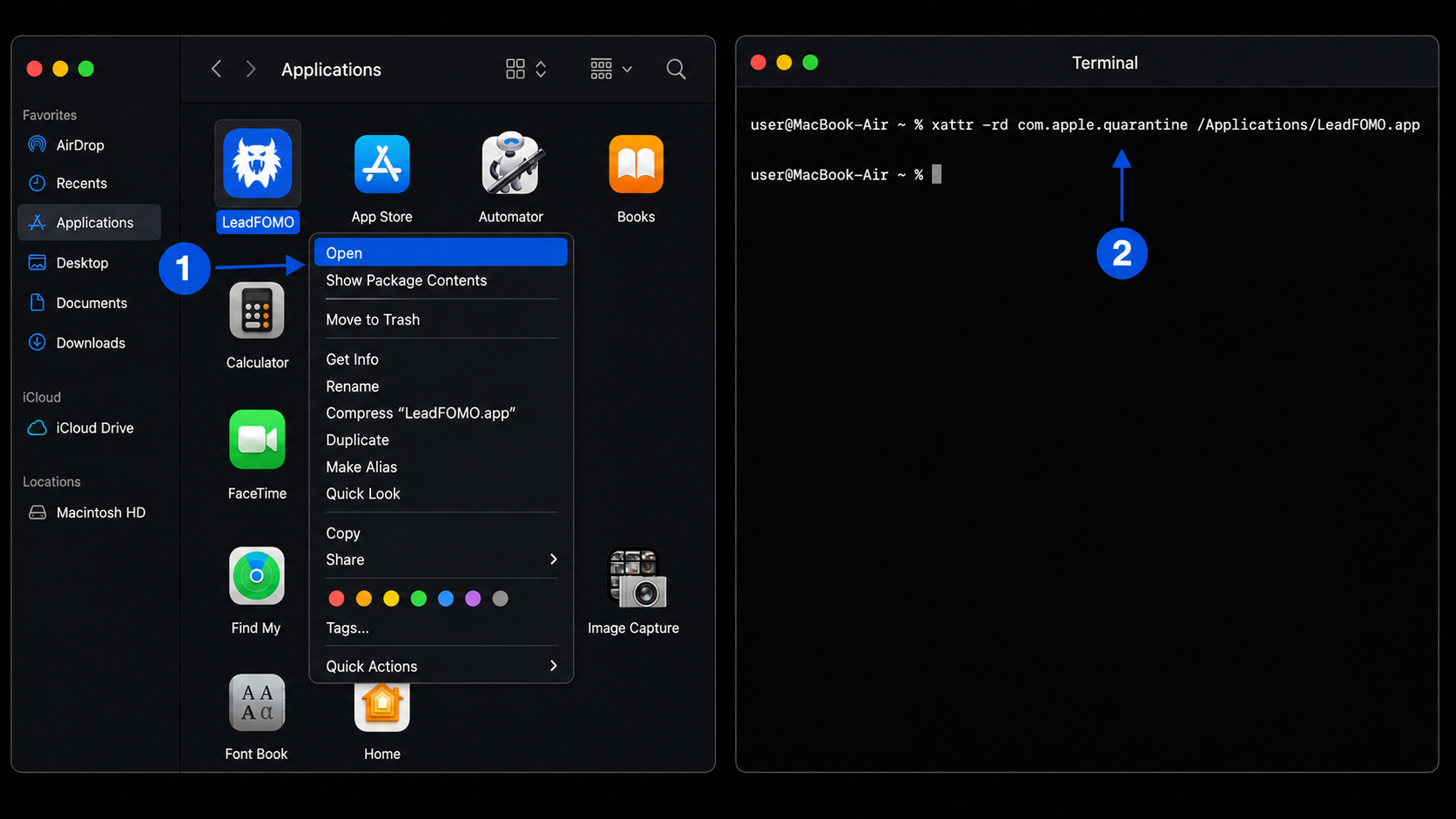
In Finder → Applications, hold Control while clicking LeadFOMO, or right-click it, then choose Open. Read the prompt and select Open. On newer macOS releases this method may still direct you to Privacy & Security; use the graphical Open Anyway method above.
Advanced troubleshooting only
Try the graphical methods first
/Applications/LeadFOMO.app. Never disable Gatekeeper globally.- 1
Open Terminal
Open Finder → Applications → Utilities → Terminal, or press Command + Space, type Terminal, and press Return. - 2
Paste the exact command
Copy and pastexattr -rd com.apple.quarantine /Applications/LeadFOMO.appand press Return. - 3
Authenticate only if macOS asks
Enter your Mac login password if requested, then press Return. Terminal does not show dots while you type; that is normal. This command usually needs nosudo, so do not add it unless LeadFOMO support has confirmed a permissions issue. - 4
Reopen LeadFOMO
Quit Terminal, return to Applications, and open LeadFOMO. If it still fails, stop and send the exact error and your Mac type to support.
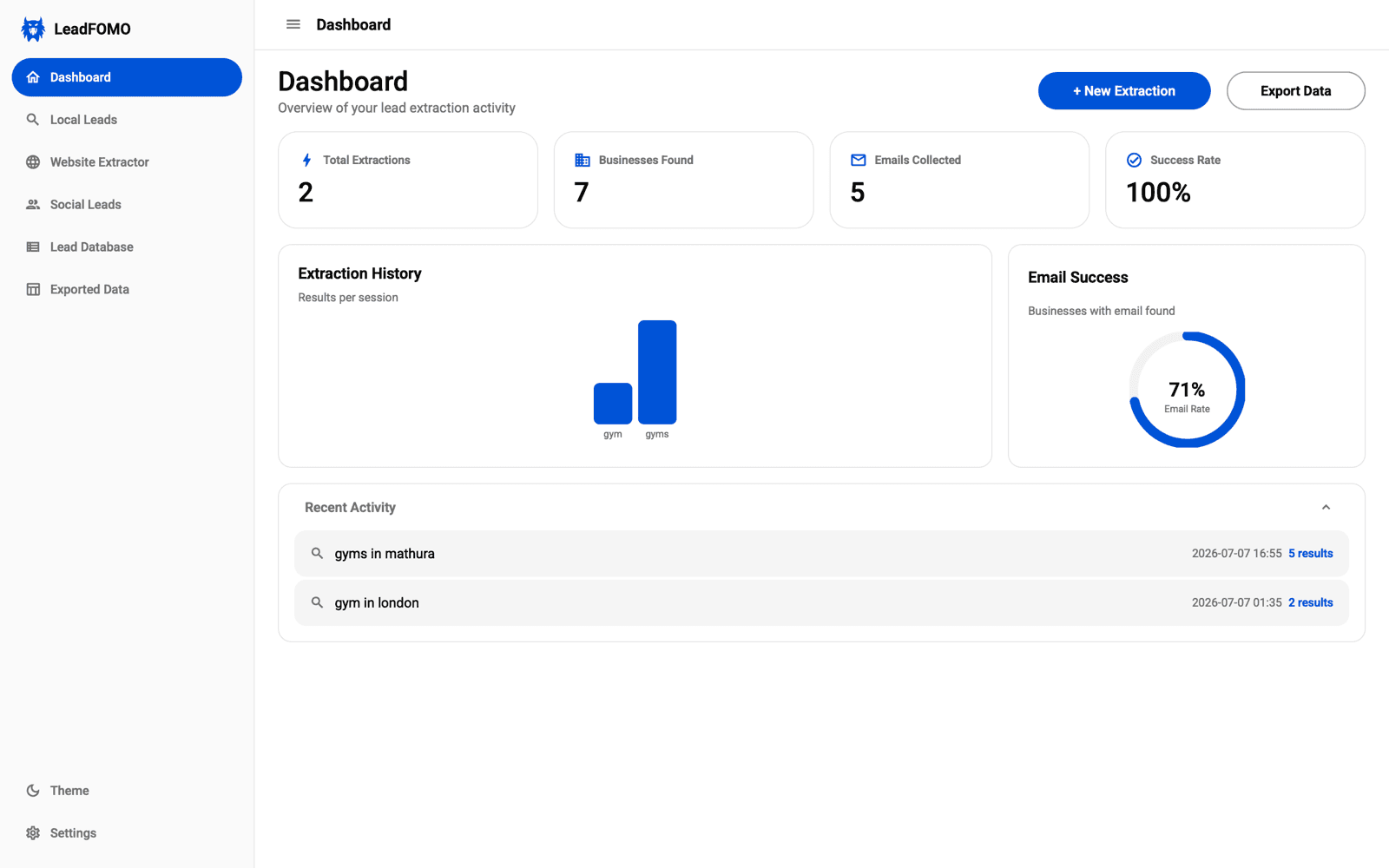
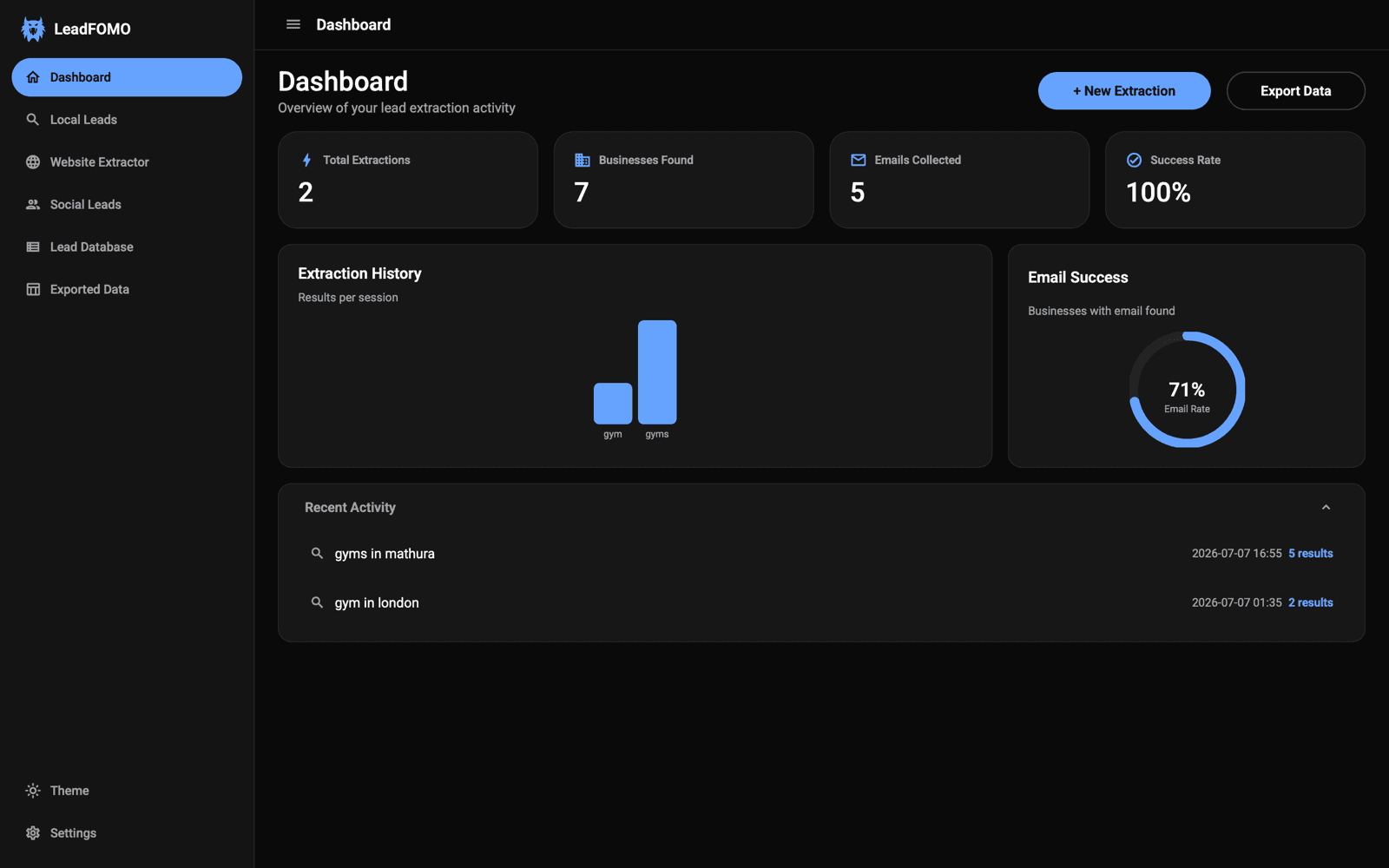
On first use, macOS may ask for access to folders, automation, or network resources. Approve only the permission needed for the feature you started. You can review permissions later in System Settings → Privacy & Security.
Application Activation
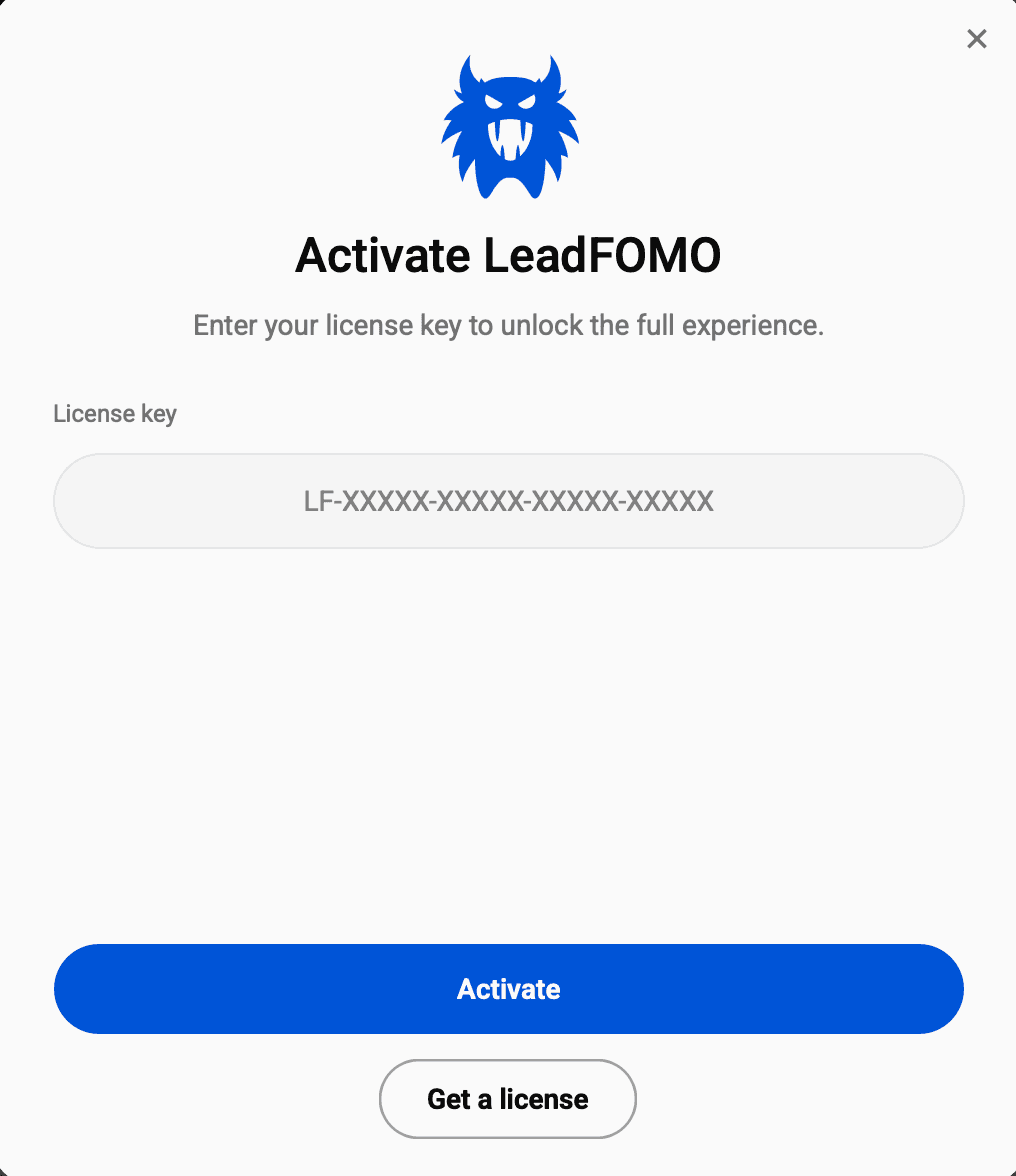
- 1
Open your licence
Sign in at leadfomo.com and open Dashboard → Licences. Copy the active licence key; do not share it publicly. - 2
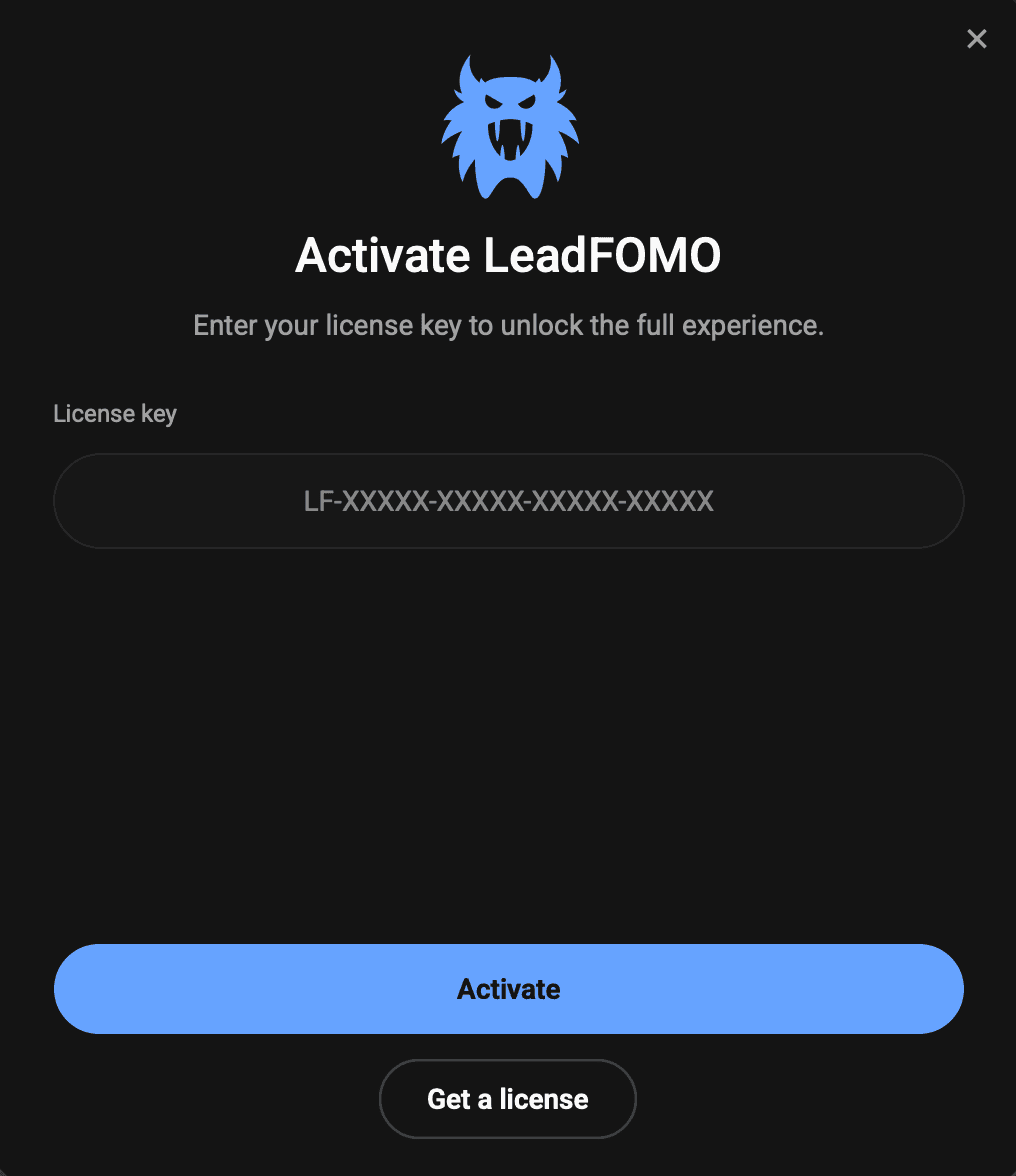
Paste and activate
Open LeadFOMO, paste the key into the activation window, and select Activate. Keep your internet connection on for this first check. - 3
Finish onboarding
Confirm your theme and defaults. Your licence is now bound to this device within your plan's device limit.
Activation complete
Updating LeadFOMO
- 1
Use the built-in check
Open LeadFOMO → Settings → Check for updates. The app verifies signed release metadata, download size, and SHA-256 before offering an update. - 2
Review the release
Confirm the new version and notes, then choose Update now. Do not use update packages from chats or third-party links. - 3
Install and reopen
Save your work. LeadFOMO may close while the update installs and then reopen. SmartScreen or Gatekeeper can appear again when a new unsigned installer has not yet built operating-system reputation.
For a manual update, download the newer official package and install it over the existing version. Your local settings and licence normally remain. Do not uninstall first unless support asks you to troubleshoot a damaged installation.
Update from inside LeadFOMO
- 1Open Settings → Check for updates.
- 2Review the version and save any work before installation.
- 3After LeadFOMO reopens, confirm the new version in Settings.
Common Errors and Solutions
Browser blocked or discarded the download
Open the browser Downloads list, confirm the leadfomo.com source and release details, then choose Keep/Download anyway only for the matching file. Try another current browser if a company policy does not block it.
Antivirus quarantined the installer
Read the detection name and compare the checksum. Restore or allow only when it is a generic reputation/unknown-publisher warning and all official details match. For a named threat or mismatch, stop and contact support.
Missing DLL, VCRUNTIME, or runtime error
Restart Windows, install pending Windows updates, and redownload the installer. LeadFOMO is self-contained; do not download individual DLLs from DLL websites. Send the complete error to support if reinstalling does not fix it.
Administrator permission required
Windows installs to Program Files and requests administrator approval. Sign in with an administrator account or ask the computer owner/IT team. On Mac, copy to your personal Applications folder only if policy permits.
Installer will not start
Check that the download finished, the size and checksum match, and the file is on a local drive. Right-click → Properties on Windows and look for an Unblock checkbox only after verification.
App opens then closes
Restart the computer, confirm sufficient free space, install operating-system updates, then reopen. Include crash text, OS version, computer architecture, and LeadFOMO version in your support message.
Activation network error
Check internet access, date/time, VPN, firewall, and company proxy settings. Corporate TLS inspection may require the network administrator to allow LeadFOMO's official service.
Device limit reached
Open Dashboard → Devices, release a computer you no longer use, then activate again. Contact support if every listed device is yours and still needed.
Reinstalling LeadFOMO
Download the same or newer official version, close LeadFOMO, and run the installer again. On macOS, replace the existing app when Finder asks. Reboot if files are reported as in use.
Collect useful troubleshooting details
- 1Capture the complete message instead of only the error title.
- 2Note your operating system, computer architecture, and LeadFOMO version.
- 3Retry once, then send the details to support if the same problem returns.
Antivirus and Security Warnings
Code-signing / reputation warning
Actual malware or integrity warning
Security products use different reputation systems, so a new release may receive extra checks even when an earlier version did not. Never turn off Microsoft Defender, your antivirus, SmartScreen, or Gatekeeper globally. If a one-file exception is necessary, make it only for the verified LeadFOMO installer and remove it after installation.
Classify the warning before acting
- 1Check whether the message is about publisher identity or names an actual threat.
- 2Verify the official download details and checksum.
- 3Stop and contact support for a named detection, damaged file, or checksum mismatch.
Uninstalling the Application
Windows 11 / 10
- Close LeadFOMO and save any exports.
- Windows 11: Settings → Apps → Installed apps.
- Windows 10: Settings → Apps → Apps & features.
- Find LeadFOMO, choose the menu, then Uninstall.
- Approve the uninstaller and follow its prompts.
macOS
- Quit LeadFOMO.
- Open Finder → Applications.
- Drag LeadFOMO to Trash or Control-click → Move to Trash.
- Empty Trash when you are sure you no longer need the app.
Uninstalling the program may leave your local LeadFOMO database, exports, and preferences so a reinstall can recover them. If you want a complete data removal, contact support before deleting application-data folders. Release the device from Dashboard → Devices if you are moving the licence to another computer.
Prepare before uninstalling
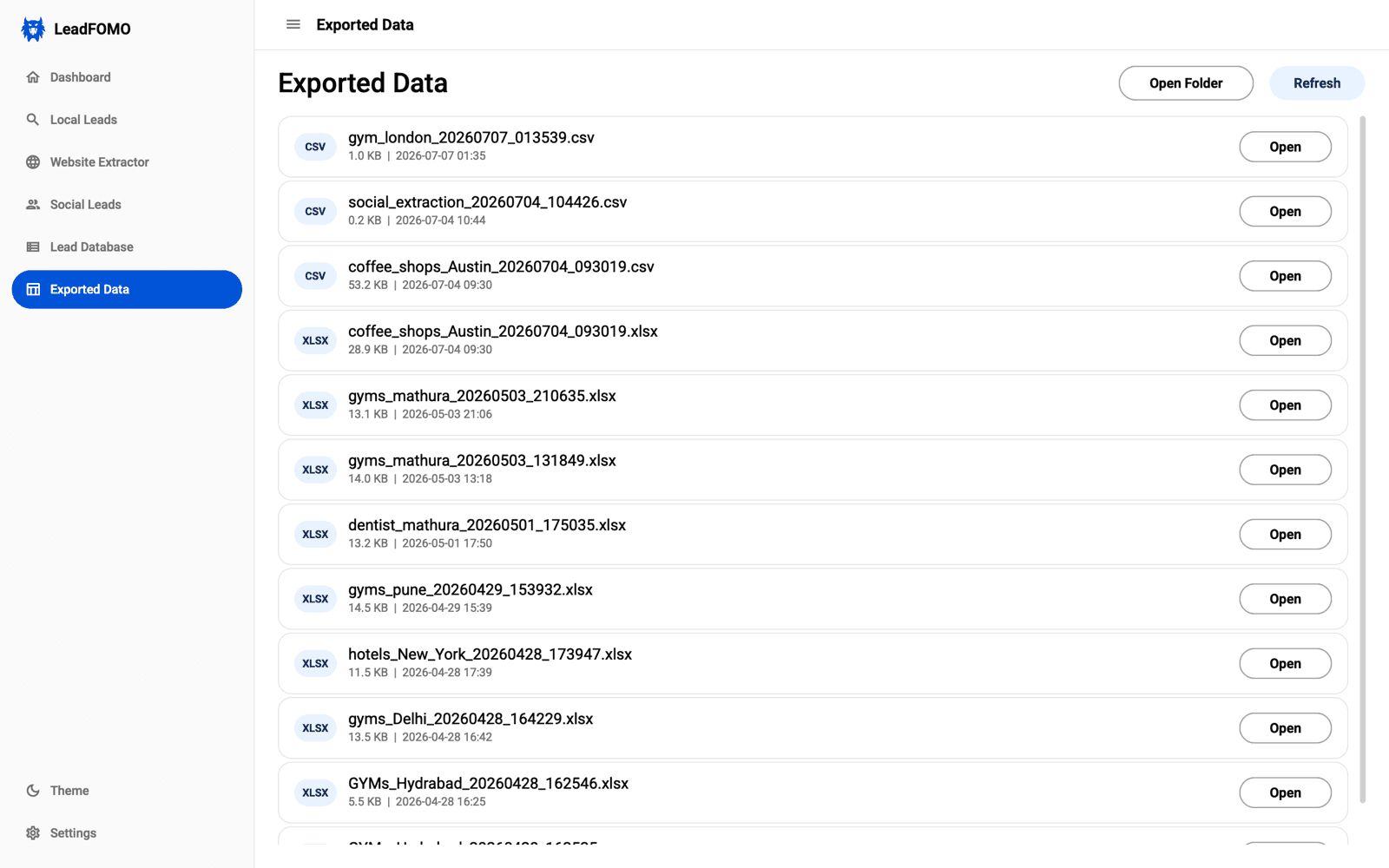
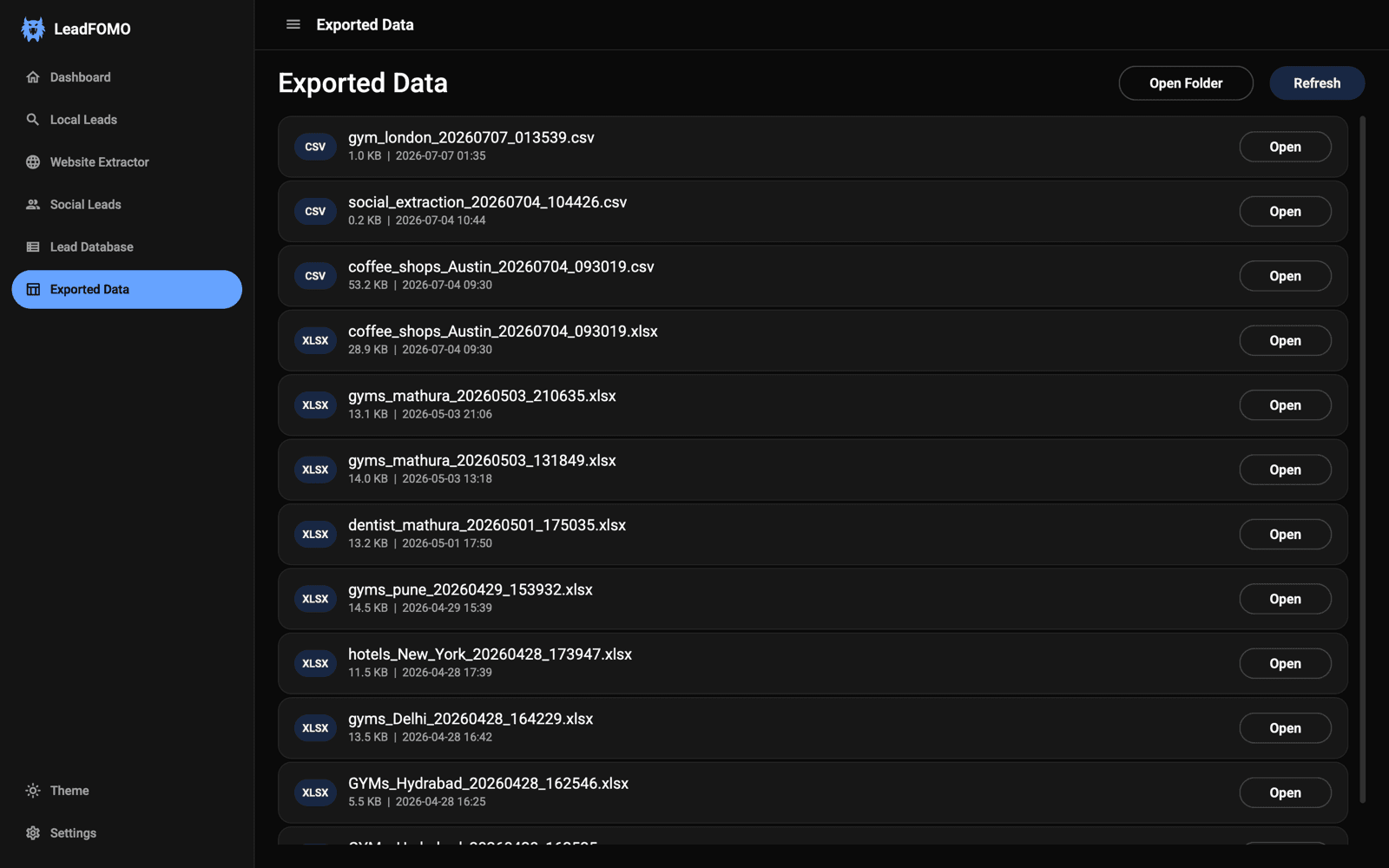
- 1Save or copy important CSV and Excel exports.
- 2Release the device in your dashboard if you are moving computers.
- 3Use the normal Windows Installed apps or macOS Applications removal flow.
Video Tutorials
Independent visual references
Fix — Microsoft Defender SmartScreen Prevented an Unrecognized App From Starting
Tech Decode · February 6, 2025 · 0:42
A concise Windows demonstration of opening the SmartScreen details and using the per-app continuation option. Apply it only after verifying the official LeadFOMO installer.
Watch on YouTubeHow To Open Apps from an Unidentified Developer macOS (2026 Updated Tutorial)
Krause Media · December 22, 2024 · 0:52
Shows the current macOS flow for opening an app from an unidentified developer. Use the graphical approval only for a verified LeadFOMO download.
Watch on YouTubeVideo availability and YouTube interfaces can change. Metadata and instructions were checked on July 26, 2026. If a video is removed or begins recommending global security changes, use the written guide and notify support.
Frequently Asked Questions
Why does my computer show a security message?
The current installer does not carry a paid commercial code-signing certificate, so Windows or macOS cannot display a verified publisher identity. Verify the official download and use the one-time approval for that file.
Does the warning mean LeadFOMO is malware?
No. A publisher or reputation warning is different from a specific malware detection. Still, never proceed automatically—check the URL, filename, version, size, and SHA-256 first.
Why is the current version unsigned?
Commercial code-signing and associated validation services involve significant recurring costs. The current unsigned distribution helps keep LeadFOMO affordable while the product grows.
Can I disable SmartScreen, antivirus, or Gatekeeper?
No. Leave system protections enabled. Use only the per-file or per-app approval described here after verification.
Which Mac download do I choose?
Apple M-series chips use Apple Silicon/arm64. Macs that show an Intel processor use Intel/x64. A Universal package supports both when explicitly labelled.
Can I install without administrator access?
Windows installation normally requires an administrator. macOS may require an administrator or computer-owner approval for Applications. Company-managed devices may require IT assistance.
Will updating remove my licence or saved data?
Installing a newer official version over the current version normally preserves the licence, settings, and data. Keep backups of important exports.
Can I use the same licence on another computer?
Your plan sets the device limit. Release an old device from the dashboard before activating the new computer if no slots remain.
Find an answer quickly
- 1Choose the question that matches the exact message you see.
- 2Follow only the steps for your operating system.
- 3If the answer does not match, capture a screenshot and contact support.
Contact Support
If a step differs from what you see, send the operating system version, LeadFOMO version, installer filename, download URL, checksum result, and a screenshot of the complete message. Do not send your licence key, Mac password, or Windows administrator password.
Send a useful support request
- 1Take a screenshot that includes the complete message.
- 2Include your OS, architecture, LeadFOMO version, and the step that failed.
- 3Use WhatsApp for the quickest practical response or email for longer diagnostics.
WhatsApp is preferred for the fastest practical response. Phone calls use the same number, but may not always be answered immediately.